Test it with Blackmagic Disk Speed Test
- Install Blackmagic Disk Speed Test. It's free on the Mac App Store.
- Open it and click the settings button to choose the target drive and the size of the test file. A larger file gives a more realistic result.
- Click Speed Test Start. It writes a test file, reads it back, and keeps repeating until you click again.
- Read the two gauges: Write and Read, in MB/s. Below them, a table shows which video formats and frame rates the drive keeps up with.
Let it run for a minute or more. The first seconds are often faster than the rest.
Testing in Terminal with dd
You can time a write with dd if=/dev/zero of=/Volumes/YourDrive/test.tmp bs=1m count=4096, which writes a 4 GB file and prints the speed. Delete test.tmp afterwards.
- It writes zeros in one straight line, which is the easiest case for a drive.
- Reading the same file back right away can come from memory, not the drive, and look far too fast.
- Never point
of=at a disk device such as/dev/disk4. That overwrites the drive.
For a number you can trust, use a dedicated app instead.
The cable and port set the ceiling
- USB 3.2 Gen 2 (also sold as USB 10Gbps) carries 10 Gb/s, about 1,250 MB/s before overhead. Drives on it measure less.
- Thunderbolt 3, Thunderbolt 4 and USB4 carry up to 40 Gb/s. A fast NVMe drive needs one of these to reach its rated speed.
- Many USB-C charging cables only carry USB 2 data, 480 Mb/s. A fast drive on one tests like an old hard drive.
- Hubs and docks share their bandwidth. Plug the drive straight into the Mac to test it.
Sustained vs burst speed
Many SSDs write to a fast cache first. Once it's full, writes drop to the speed of the flash behind it, sometimes to a fraction of the rated number. A short test only measures the cache.
For video, sustained speed is the one that counts: a long render, an export or a card offload writes far more than any cache holds. Test with the largest file size, or time a copy of a folder of footage bigger than 50 GB.
Hard drives don't have this drop, but they are slower overall and slow down as they fill.
The faster way: Caretaker

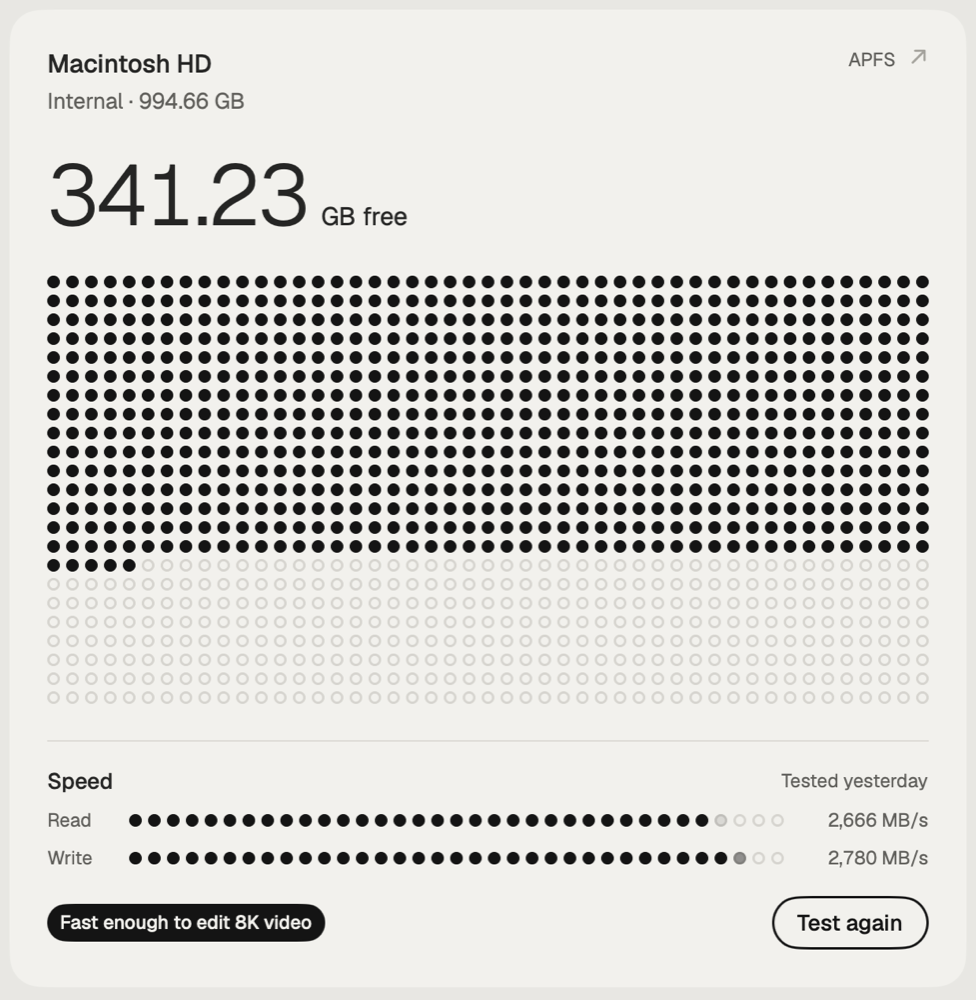
Caretaker's drive speed test measures read and write speed and shows it as what the drive keeps up with, from H.264 to ProRes 422 HQ 8K, photos and music. It's free.
Questions
Why is my external SSD slower than advertised?
Usually the cable, port or hub. A 10 Gb/s USB port, or a USB 2 cable, caps the drive well below its rated speed.
Is Blackmagic Disk Speed Test accurate?
It measures large sequential reads and writes, which is what video editing does. It doesn't measure small files.