Collect it with Project Manager
- Save the project, then choose File > Project Manager.
- Select every sequence you need. Media used only in sequences you leave unselected isn't copied.
- Choose Collect Files and Copy to New Location.
- Turn off Exclude Unused Clips to bring every clip in the project, or leave it on to bring only what the sequences use.
- Choose a Destination Path, click Calculate to check the space it needs, then click OK.
Premiere Pro creates a folder with a copy of the project, pointing to the copied media.
What it doesn't bring
- Fonts used in titles and graphics.
- Third-party effects and plug-ins. The other Mac needs them installed.
- Offline media. Relink missing clips before you collect.
Before you send the folder, open the copied project with the original drives disconnected and check nothing is offline.
After Effects: Collect Files
- Save the project.
- Choose File > Dependencies > Collect Files.
- Under Collect Source Files, choose All, or For Selected Comps to bring only what the selected comps use.
- Click Collect and choose a location.
After Effects creates a folder with a copy of the project, the footage, and a report listing the files, effects and fonts needed to render it. Generate Report Only writes the report without copying anything. Fonts and effects aren't copied, only listed.
Is it safe?
Yes. Both commands copy. Your original project and media stay where they were. Check the copy works before you delete any original.
The faster way: Caretaker

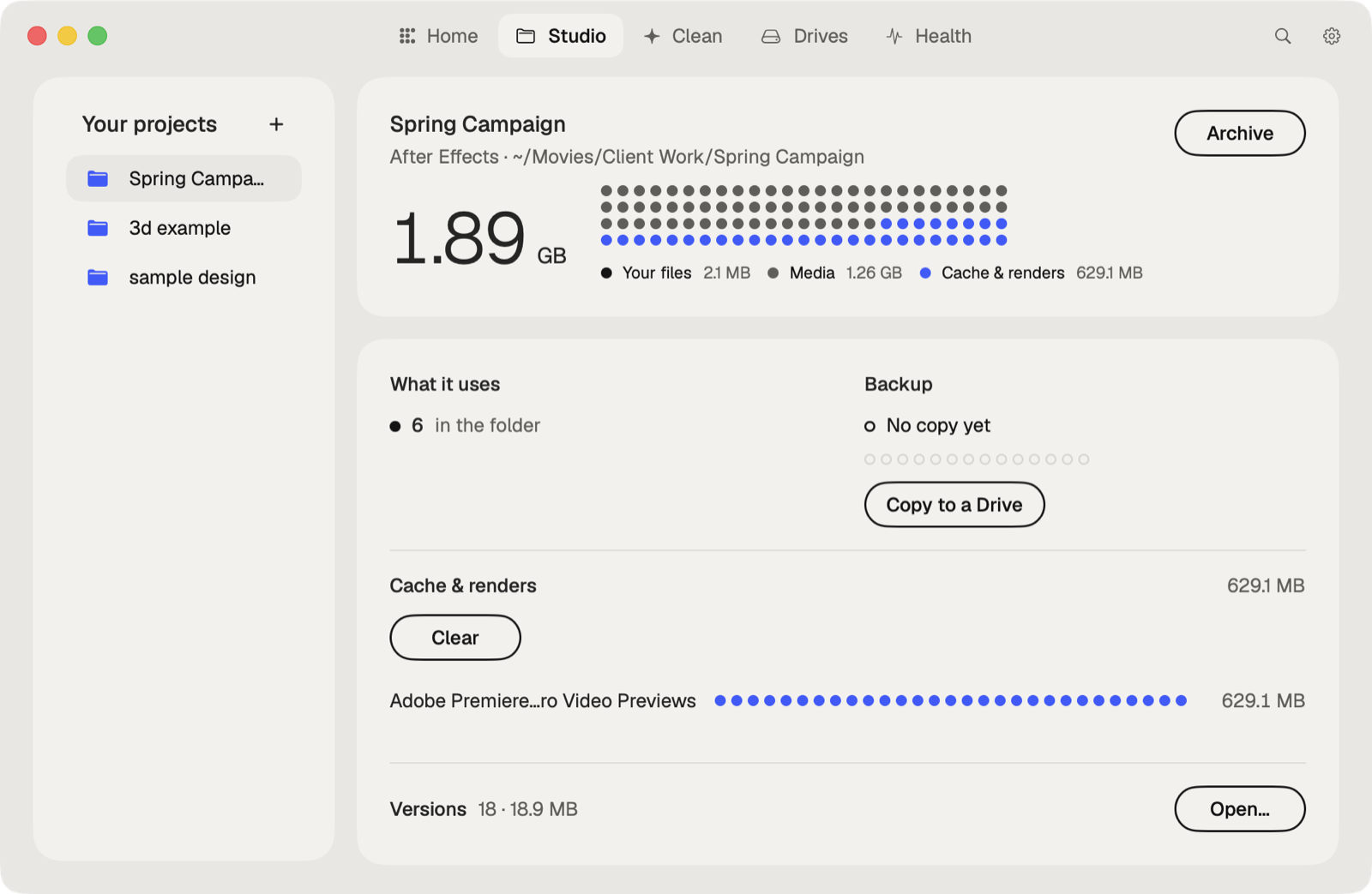
Caretaker shows what a project uses from outside its folder, along with its fonts and plug-ins, for free. With Pro, Collect Files copies everything outside the folder in, and Package makes a copy to send without renders and caches.
Questions
Does Project Manager copy unused clips?
Only if Exclude Unused Clips is off. With it on, only media used in the selected sequences is copied.
Does Collect Files in After Effects include fonts?
No. It lists the fonts and effects the project needs in its report. The other Mac needs them installed.