Package it in InDesign
- Save the document and choose File > Package.
- Check the Fonts and Links and Images sections for anything missing or modified, and fix it first.
- Click Package, fill in the printing instructions if you want, and click Continue.
- Choose a folder name and location and the options below, then click Package.
What it collects
- Copy Fonts: the fonts the document uses, except fonts activated from Adobe Fonts and non-Adobe Chinese, Japanese and Korean fonts.
- Copy Linked Graphics: placed images and artwork, into a Links folder.
- Update Graphic Links In Package: points the copied document at the copied links.
- Include IDML: a copy that opens in older versions of InDesign.
- Include PDF (Print): a PDF made with the preset you choose.
Fonts and the licence
InDesign warns you about font licensing when you package. Adobe notes that most font licences don't allow sending font files to someone who doesn't have their own licence for the font. Some allow it for printing. Check the font's licence before you send it. Adobe Fonts are never copied: the recipient activates them with their own Creative Cloud account.
Package it in Illustrator
- Save the document and choose File > Package.
- Choose a location and folder name.
- Choose Copy Links, Collect links in separate folder, Relink linked files to document, Copy Fonts Used In Document and Create Report, then click Package.
Illustrator copies fonts except Chinese, Japanese and Korean fonts and Adobe Fonts, and writes the report as a text file.
The faster way: Caretaker

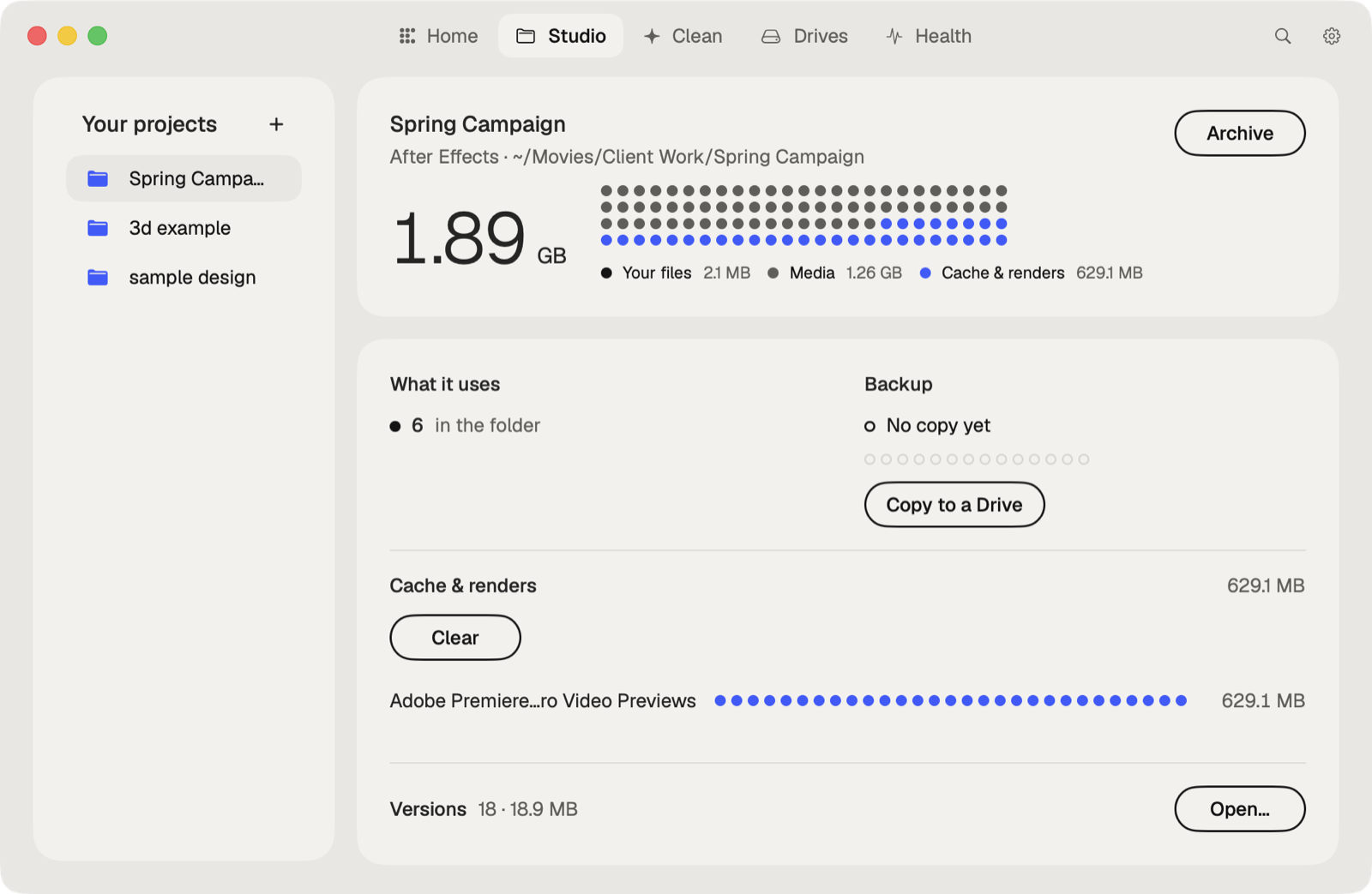
Caretaker lists the fonts an InDesign or Illustrator file names and which aren't on this Mac, for free. With Pro, Collect Files copies everything a project uses from outside its folder into it.
Questions
Why are fonts missing after I package an InDesign file?
Fonts from Adobe Fonts aren't copied. The person opening it activates them from their own Creative Cloud account.
Do I need to send the IDML?
Only if the recipient may have an older version of InDesign. It's the version that opens there.