See what's missing
- Open the set and read the message Live shows about plug-ins it couldn't load.
- Go through each track's device chain. A missing plug-in keeps its name but doesn't load, so the track plays without it.
- Note whether each one is an Audio Unit, VST3 or VST2. The same plug-in in another format may not be picked up by the set.
Don't delete the missing devices and save. Live keeps their settings in the set, ready for when the plug-in is installed.
Check Live's Plug-ins settings
- Choose Live > Settings (⌘,) and open the Plug-Ins tab.
- Under Plug-In Sources, turn on Use Audio Units and the VST3 and VST2 system folders you need. Set a custom folder if your VST2 plug-ins live elsewhere.
- Click Rescan. If a plug-in still doesn't appear, hold Option and click Rescan. Live deletes its plug-in database and scans everything again.
Since Live 12.1, Live only rescans by itself the first time it opens after an update. Rescan by hand after installing a plug-in.
Where plug-ins live on a Mac
- Audio Units:
/Library/Audio/Plug-Ins/Components - VST3:
/Library/Audio/Plug-Ins/VST3 - VST2:
/Library/Audio/Plug-Ins/VST
Some installers use the same folders inside your home folder, ~/Library/Audio/Plug-Ins.

Sets from another studio
- Ask for a list of plug-ins and their formats with the set.
- File > Collect All and Save gathers samples, not plug-ins.
- Freezing tracks that use third-party plug-ins before sending lets them play on a Mac without those plug-ins.
- Before you save the set, install what's missing, rescan and reopen it, so nothing is lost.
The faster way: Caretaker

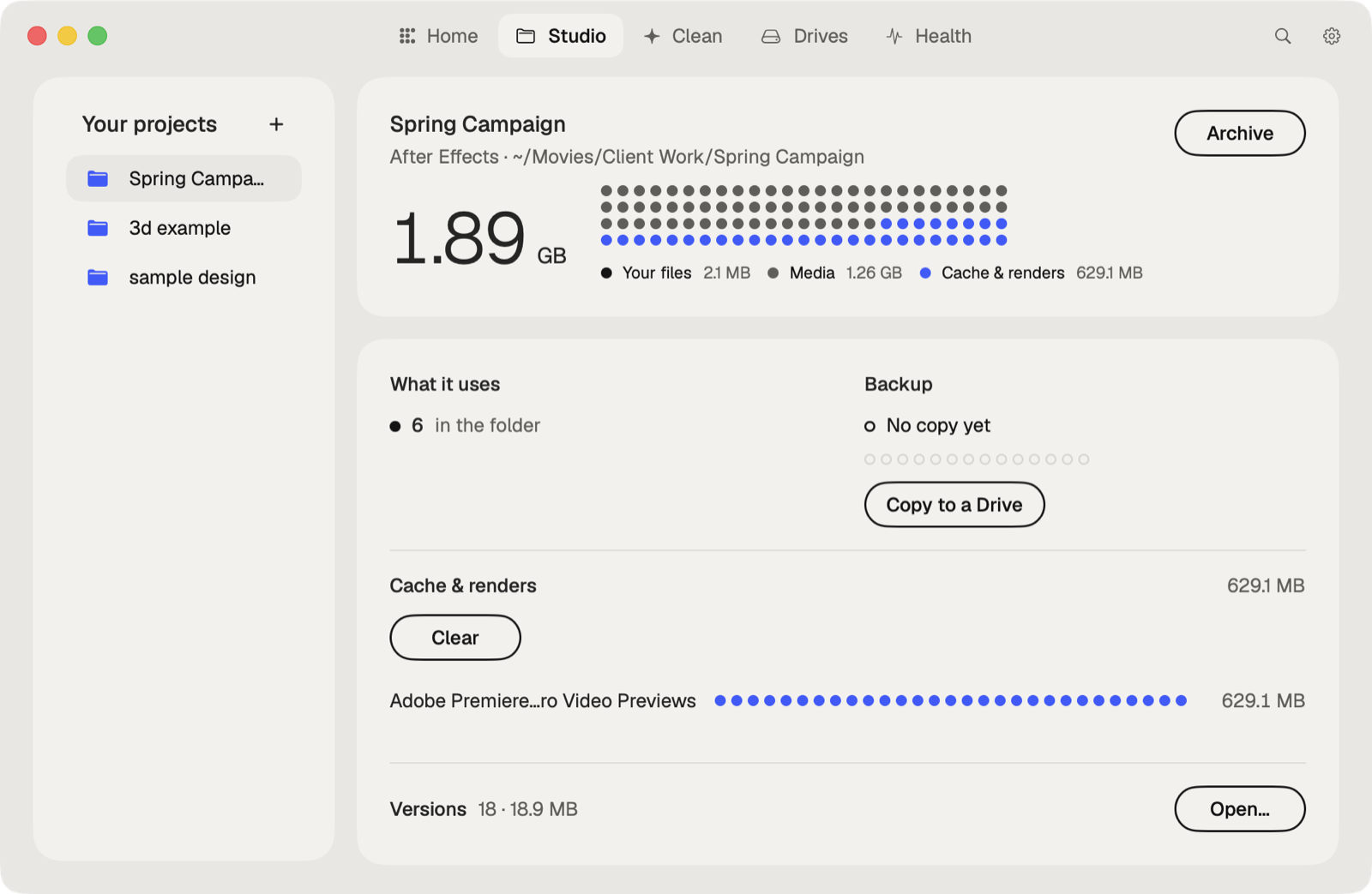
Caretaker lists the plug-ins an Ableton Live set uses and which aren't on this Mac, for free, before you open it. It also finds duplicate and broken audio plug-ins.
Questions
Why are my plug-ins missing in Ableton?
Usually they're in a folder Live doesn't scan, or in a format that's turned off. Check Settings > Plug-Ins, then Rescan.
Will I lose plug-in settings if a plug-in is missing?
Not if you keep the device. Live keeps its settings in the set, and the plug-in loads them once it's installed.