Read the wake log
Open Terminal and run:
pmset -g log | grep -e "Wake from" -e "DarkWake"
Each line shows the time, then the cause after due to. A Wake turns the display on, usually because you opened the lid or pressed a key. A DarkWake is a short wake with the display off, for things like network activity, maintenance or a connected device.
See what keeps it awake now
Run pmset -g assertions. It lists what is stopping the Mac or display from sleeping, and which app asked. Apple also notes that the Mac won't sleep while Spotlight is indexing.
Turn off wakes you don't need
- Wake for network access: on a laptop, System Settings > Battery > Options, set it to Never. On a desktop, System Settings > Energy, turn it off. Other computers can wake your Mac to use its shared files and printers.
- Sharing: in System Settings > General > Sharing, turn off services you don't use.
- Power Nap: on Intel Macs, Power Nap wakes the Mac to update mail and other data. Turn it off in the same Battery or Energy settings.
Common causes
- Another computer reaching a shared folder or printer.
- A USB or Thunderbolt device. Apple suggests unplugging them all, then reconnecting one at a time.
- A keyboard, mouse or trackpad being touched.
- An app using the processor. Check the CPU tab in Activity Monitor.
The faster way: Caretaker

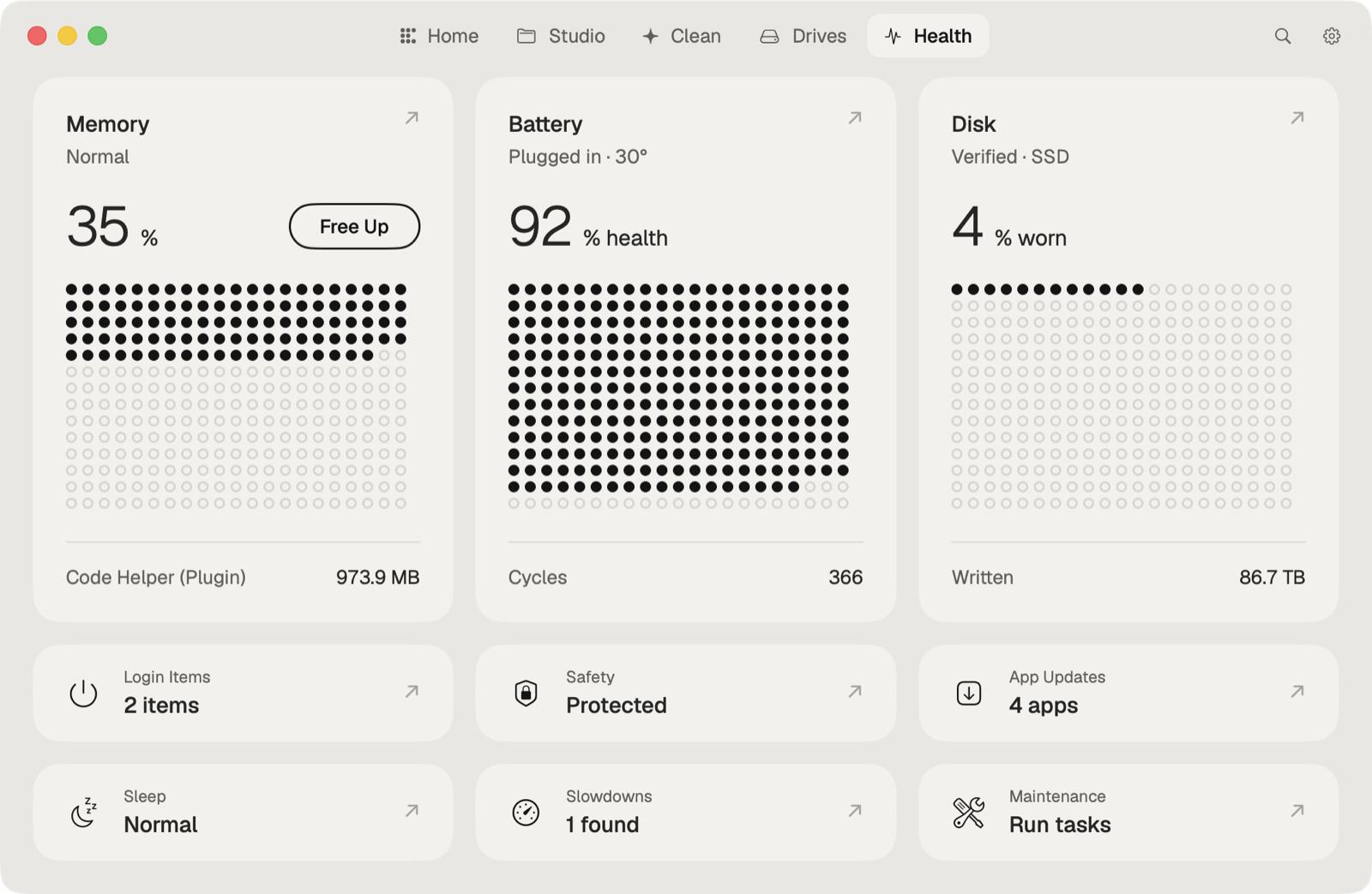
Caretaker's Sleep & Battery (Pro) shows what woke the Mac overnight and where the battery went, without reading the log yourself.
Questions
What is DarkWake on a Mac?
A short wake with the display off. The Mac does background work, such as network tasks or maintenance, then sleeps again.
Why does my Mac wake up by itself?
Usually another device reaching it over the network, a connected USB or Thunderbolt device, or an app. The pmset log shows the reason for each wake.