Turn off automatic sleep in System Settings
- Mac laptop: open Apple menu > System Settings > Battery, click Options, and turn on Prevent automatic sleeping on power adapter when the display is off. It only works while the Mac is plugged in.
- Mac desktop: open System Settings > Energy and turn on Prevent automatic sleeping when the display is off.
System Settings > Lock Screen only sets when the display turns off, not when the Mac sleeps. Apple notes that preventing sleep uses more power, so turn the setting off again when the export is done.
Or keep it awake with caffeinate
Open Terminal and type caffeinate -i. The Mac won't idle sleep until you press Control-C or close the window.
To stay awake only until the export ends, find the exporting app's PID column in Activity Monitor and run caffeinate -i -w 4321, with your number in place of 4321. Sleep is allowed again as soon as that app quits. Add -d to keep the display on too.
With the lid closed
A Mac laptop sleeps when you close the lid. To keep working with it closed, connect it to power, an external display, a keyboard and a mouse, and allow the accessories to connect. On battery alone, closing the lid puts it to sleep.
Why pausing Spotlight and cloud sync helps
While an export writes, Spotlight indexes the new files and a sync app may start uploading them. Both read the same disk the export is writing to. Add your render or cache drive to Spotlight's privacy list in System Settings > Spotlight, and pause syncing in your cloud app until the export is done.
The faster way: Caretaker

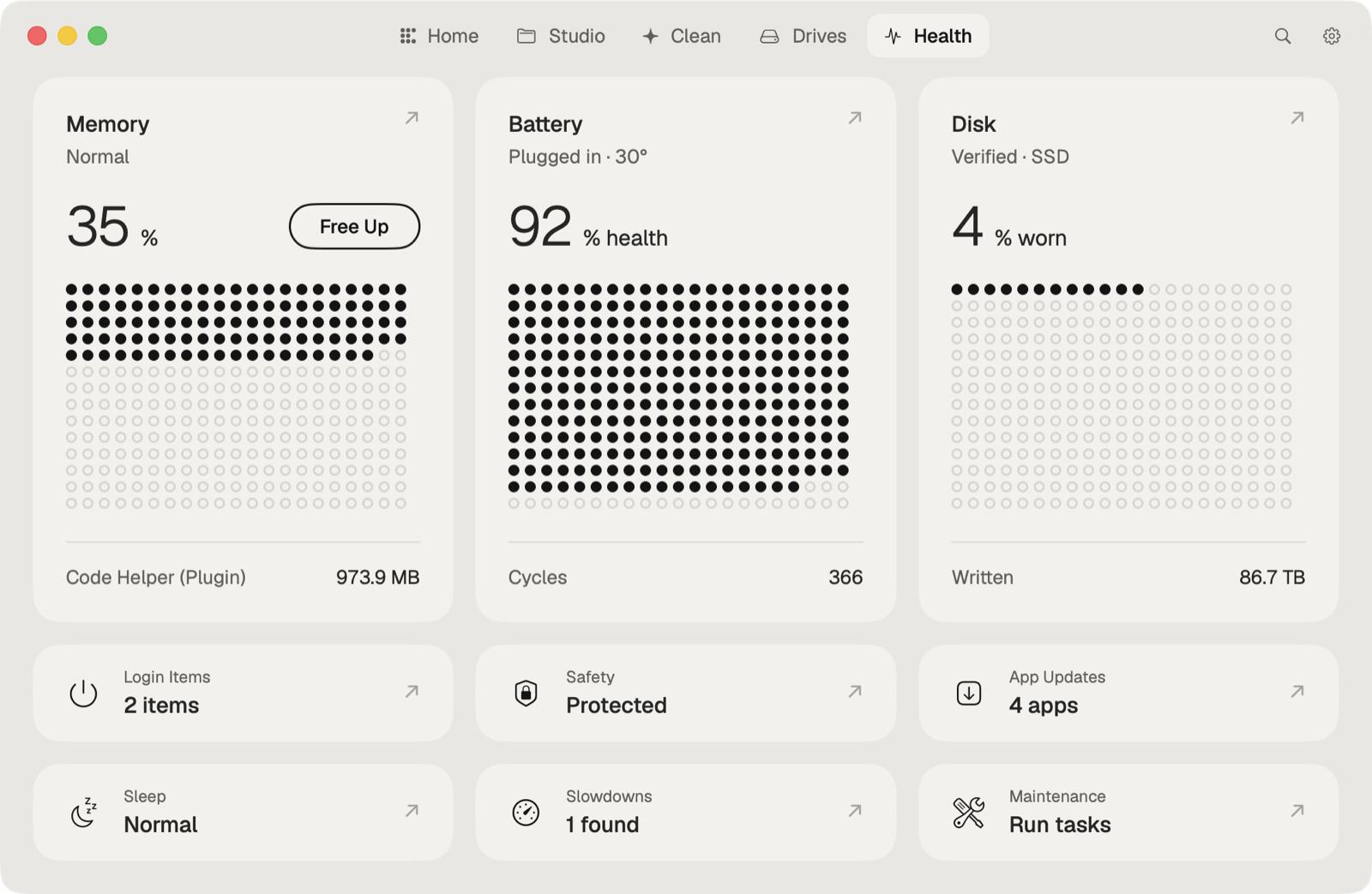
Caretaker's Boost (Pro) keeps the Mac awake for any app, pauses cloud sync and Spotlight, and pauses the other apps you aren't using. Everything resumes when the export ends, the app quits, or Caretaker quits. Export watch (Pro) sends a notification when the render is done.
Questions
Will my Mac sleep in the middle of an export?
It can. Many apps ask macOS to stay awake while they export, but not all do. Run pmset -g assertions in Terminal to see what's keeping the Mac awake.
How do I stop caffeinate?
Press Control-C in the Terminal window, or close it. If you used -w, it stops on its own when that app quits.