Check Activity Monitor
Open Applications > Utilities > Activity Monitor.
- CPU: click the % CPU column to sort. An app near the top that you aren't using is often the cause. Quit it.
- Memory: look at the Memory Pressure graph. Green is fine. Yellow means the Mac might eventually need more memory. Red means it needs more now: quit apps you aren't using.
- Energy: shows which apps use the most power, including ones that only run in the background.
Free up disk space
Apple lists a nearly full startup disk as a cause of a slow Mac. Open System Settings > General > Storage to see what takes the space and use its recommendations. Move projects you've finished to another drive, then delete what you no longer need.
Turn off login items
Apps that open at login and run in the background use memory and processor time all day. Open System Settings > General > Login Items & Extensions and remove the ones you don't need.
Wait for Spotlight after an update
After you set up a Mac or install a macOS update, Spotlight indexes the whole disk. Apple says this can take hours or even days, and it goes faster when the Mac is plugged in and not in use. A progress bar appears at the top of the Spotlight window while it runs.
Keep it cool
Apple recommends using a Mac laptop at 10° to 35° C (50° to 95° F), on a hard, flat surface with the vents clear, never on a bed or pillow. If it's warm or the fans run while you aren't doing heavy work, check the CPU tab in Activity Monitor for a process that's stuck, then restart.
The faster way: Caretaker

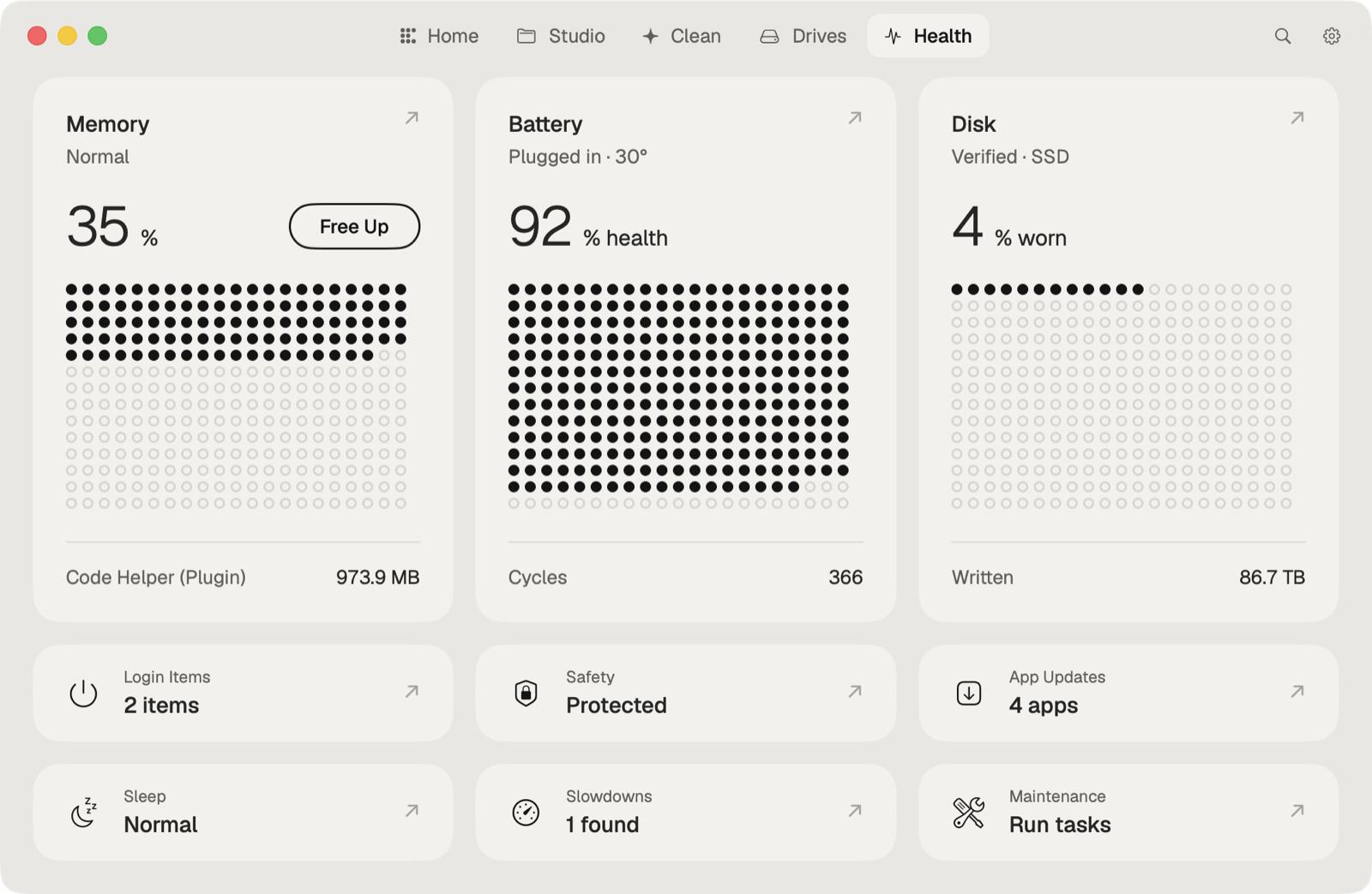
Caretaker's Performance (Pro) tells you why the Mac is slow right now and the fix for each cause. Health (free) shows battery, disk, memory and temperature, and Free Up Memory and Background items are free.
Questions
Why is my Mac slow after an update?
Spotlight indexes the whole disk after a macOS update. Apple says it can take hours or days, and the Mac is back to normal when it finishes.
Does a full disk slow down a Mac?
Yes. Apple lists low free space on the startup disk as one of the causes of a slow Mac.