Rebuild it in System Settings
- Open Apple menu > System Settings, then Spotlight (or Siri & Spotlight).
- Scroll down and click Search Privacy (or Spotlight Privacy).
- Click + and add the disk, such as Macintosh HD, or the folder to reindex. Click OK if asked.
- Wait a few seconds, select it in the list and click –.
- Click Done. Spotlight now indexes it again.
Or use Terminal
mdutil -s /shows whether indexing is on for the startup disk.sudo mdutil -E /erases the index so it's rebuilt.
How long it takes
Apple says a full index can take hours or even days, and later updates are much faster. It finishes sooner when the Mac is plugged in and not in use. A progress bar shows at the top of the Spotlight window while it runs, and the Mac may feel slower until it's done.
Leave render and cache drives out
Render, cache and scratch drives fill with files you never search for. Add them to the same privacy list and leave them there, so Spotlight doesn't index each new file while you work. Or run sudo mdutil -i off /Volumes/YourDrive.
The faster way: Caretaker

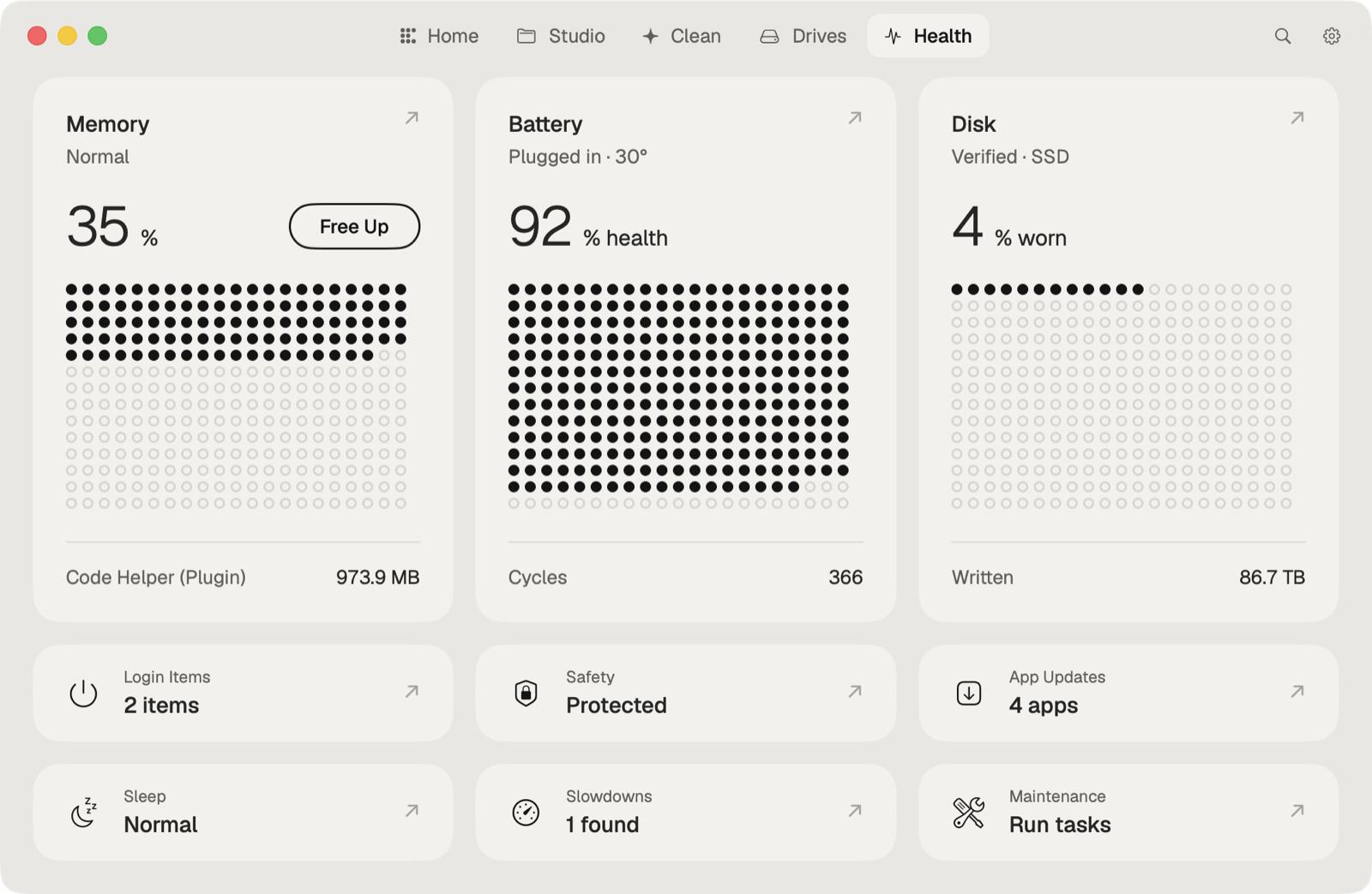
Caretaker's Maintenance (free) reindexes Spotlight in one click. Boost (Pro) pauses Spotlight while an export runs and turns it back on when the export ends.
Questions
How long does Spotlight indexing take on a Mac?
Apple says a full index can take hours or even days. It goes faster with the Mac plugged in and not in use.
Does rebuilding Spotlight delete any files?
No. It only rebuilds the search index. Your files stay where they are.