Recover in Blender
- File > Recover > Auto Save: opens a file browser on the temporary folder. Pick the newest _autosave.blend for your file. Use the detailed list view to see the dates.
- File > Recover > Last Session: opens quit.blend, which Blender saves when you quit normally. Use it if you closed Blender by mistake.
Right after opening either one, choose File > Save As so the next auto-save doesn't replace it.
Go back to the previous save
Each time you save, Blender renames the last save to .blend1 in the same folder, and the one before to .blend2. Copy the .blend1, rename the copy to end in .blend, and open it.
What auto-save doesn't cover
- Only one auto-save is kept per file, so anything after the last auto-save is gone.
- Auto Save doesn't save changes made in Sculpt, Texture Paint and Edit mode.
- Auto-saves and quit.blend live in the temporary folder, which can be cleared when you restart the Mac or by cleanup tools. Copy what you need first.
Set it up
Open Edit > Preferences > Save & Load:
- Save Versions: 2 by default, giving .blend1 and .blend2. Raise it to keep more.
- Auto Save: on, with Timer (Minutes) how often. Shorter is safer, though big files take longer to save.
For a file you saved over long ago, restore it from Time Machine: open its folder, open Time Machine, go back and click Restore.
The faster way: Caretaker

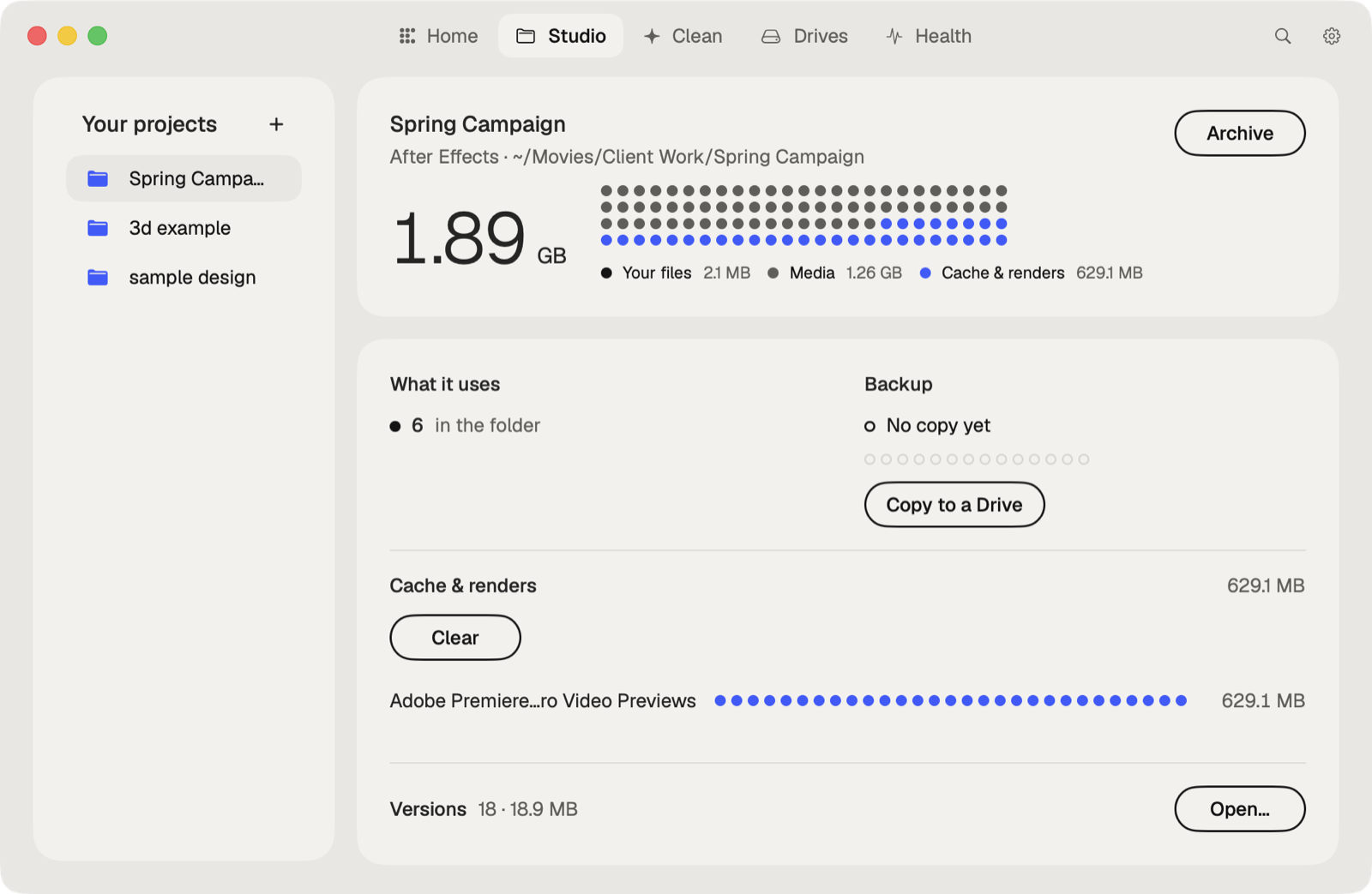
Caretaker's Studio shows when each project was last copied to another drive and makes a verified copy in one click, so an overwritten or lost scene has a second home. It also clears Blender's caches, which Blender makes again.
Questions
Where does Blender save autosave files on a Mac?
In the temporary directory set in Blender. File > Recover > Auto Save opens a file browser right there.
What is a .blend1 file?
The previous save of your file. Blender makes it each time you save. Rename a copy to .blend to open it.
More guides
- How to recover a previous version of a Photoshop file on a Mac
- How to recover a Premiere Pro project from Auto Save
- How to recover an After Effects project from Auto-Save
- How to recover an Illustrator file on a Mac
- How to recover an InDesign file on a Mac
- How to recover an Ableton Live Set from a backup
- How to restore a DaVinci Resolve project backup
- All guides