Restore a backup
- Open the Project Manager (⇧1).
- Right-click the project and choose Project Backups.
- Pick a backup by its date and time, newest at the top, and click Load.
Before you load one, export the project as it is now: right-click it and choose Export. That gives you a .drp to go back to.
Turn Project Backups on
Open DaVinci Resolve > Preferences > User > Project Save and Load:
- Project Backups: saves a new copy of the project at the interval you set. A backup is only made when the project has changed.
- Older backups are thinned out: frequent ones for the last hour, then hourly ones for the day, then daily ones.
- Project backup location: click Browse to pick a folder, ideally on a drive Time Machine backs up.
Live Save
Live Save, in the same panel, saves the project as you work, so a crash loses little. It also writes every change, mistakes included, into the project. It's not a history. Keep Project Backups on as well.
Export projects you can't lose
Resolve keeps projects in its database, not as files in your folders. A .drp you export, or a backup in the backup folder, can be imported in the Project Manager on any Mac. Export a .drp at each milestone.
The faster way: Caretaker

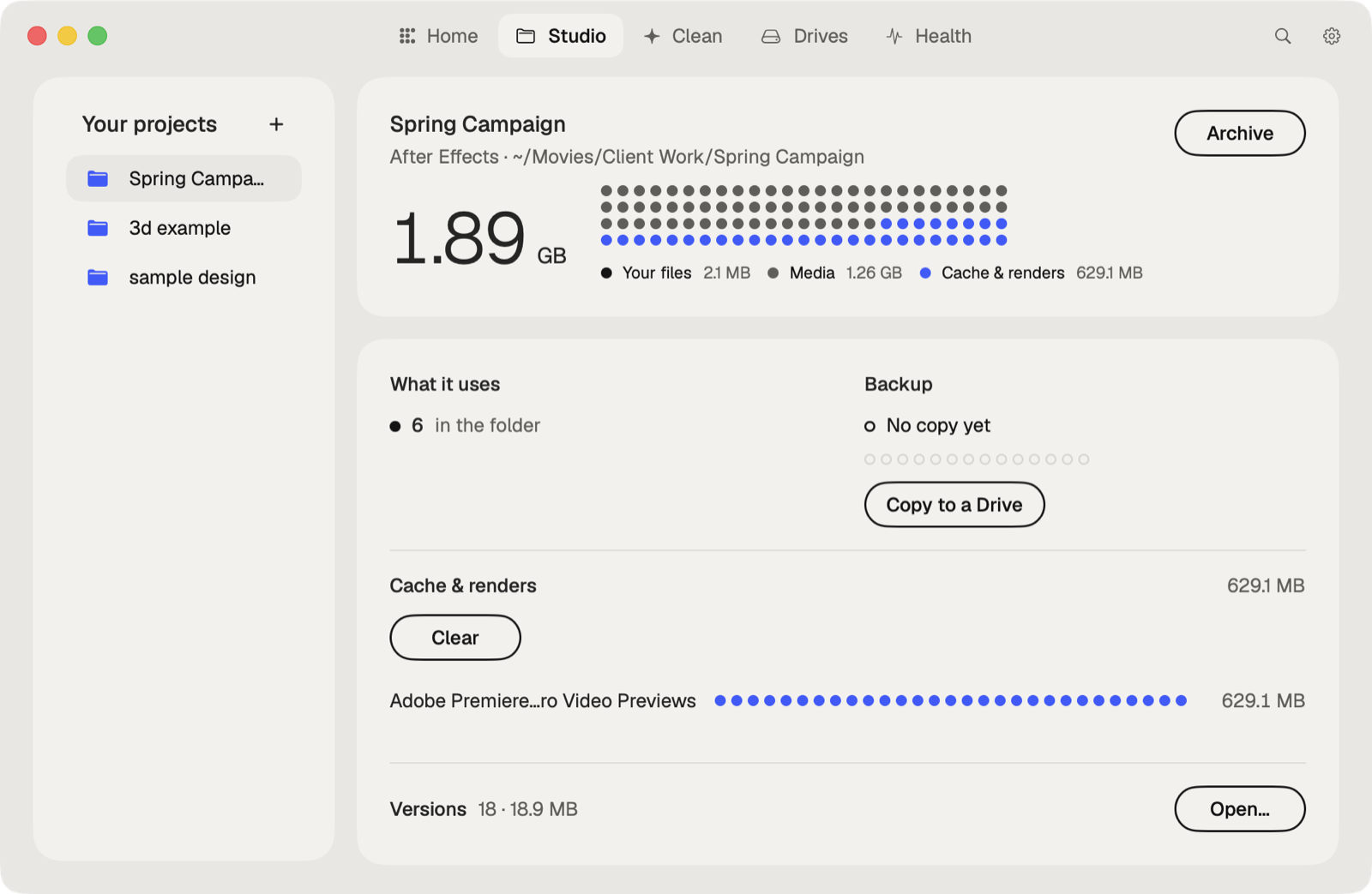
Caretaker's Studio shows when each project was last copied to another drive and makes a verified copy in one click, so an overwritten or lost project has a second home. It also finds Resolve's CacheClip folders next to projects and clears them.
Questions
Does DaVinci Resolve auto save?
Only if Live Save or Project Backups is on, in Preferences > User > Project Save and Load.
Where are DaVinci Resolve project backups?
In the Project backup location set in Preferences > User > Project Save and Load. You can also reach them from the Project Manager.
More guides
- How to recover a previous version of a Photoshop file on a Mac
- How to recover a Premiere Pro project from Auto Save
- How to recover an After Effects project from Auto-Save
- How to recover an Illustrator file on a Mac
- How to recover an InDesign file on a Mac
- How to recover an Ableton Live Set from a backup
- How to recover a Blender file from Auto Save
- All guides