What local snapshots are
A local snapshot is a record of your startup disk at one moment, kept on the same disk. Apple says your Mac counts their space as available storage, and Time Machine deletes them as they age or when space is needed. It also keeps one of your last successful backup, and one before each macOS update.
Some apps can't use that space until macOS frees it, so a disk can look fuller than it is.
Delete them in Time Machine settings
- Open System Settings > General > Time Machine.
- Click Options, choose Manually from Backup Frequency, then click Done.
- Wait a few minutes while the snapshots are deleted.
- Set Backup Frequency back to what it was.
Delete them in Terminal
tmutil listlocalsnapshots /lists the snapshots of the startup disk.sudo tmutil deletelocalsnapshots 2026-10-27-101500deletes the snapshot from that date. Use a date fromtmutil listlocalsnapshotdates.sudo tmutil deletelocalsnapshots /deletes every local Time Machine snapshot on the startup disk.sudo tmutil thinlocalsnapshots / 20000000000 4asks Time Machine to free about 20 GB by thinning, the way macOS does when space runs low.
In Disk Utility, choose View > Show APFS Snapshots, select the volume, then select snapshots in the list to delete them.
Is it safe?
Yes. Deleting a snapshot doesn't touch your files, or the backups on your Time Machine drive. You only lose the chance to restore from that snapshot. Time Machine starts taking new ones with the next backup.
The faster way: Caretaker

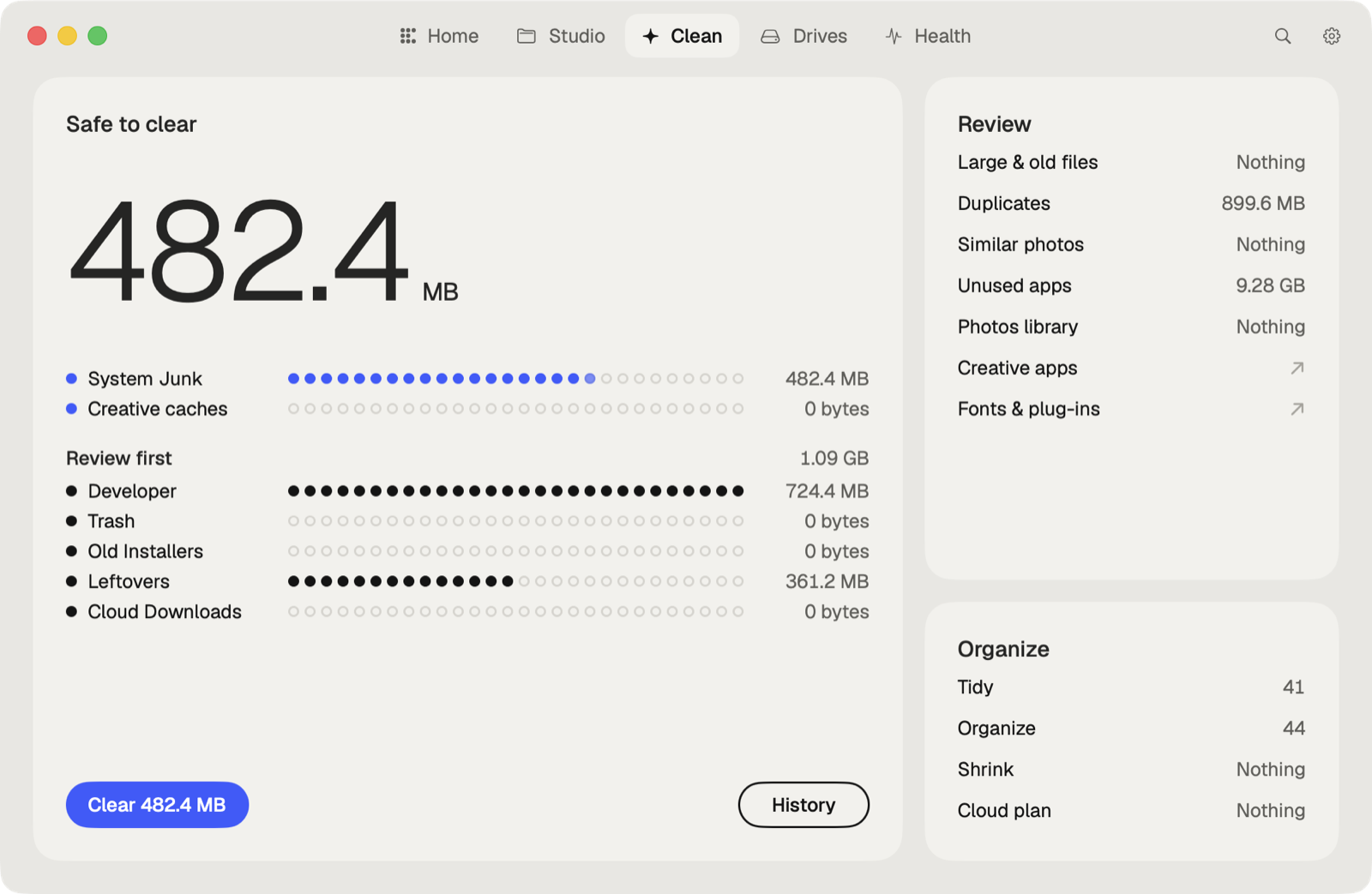
Caretaker's Maintenance frees local snapshots, for free, next to flushing DNS and reindexing Spotlight. Disk Map then shows where the rest of your space goes.
Questions
Why does my Mac say space is available but apps say the disk is full?
Local snapshots and other purgeable files count as available, but some apps can't use that space until macOS frees it.
Do local snapshots replace a Time Machine backup?
No. They're on the same disk as your files, so they don't help if that disk fails.
More guides
- Why is System Data so big on my Mac, and how to reduce it
- How to find large files on a Mac
- How to find duplicate files on a Mac
- How to uninstall apps completely on a Mac
- How to remove downloaded iCloud Drive files from a Mac
- How to delete Xcode DerivedData and old simulators on a Mac
- How to free up Docker disk space on a Mac
- All guides