Remove the app
- Quit the app.
- In Finder, click Applications in the sidebar.
- If the app is in a folder, open it and look for an Uninstaller. If there is one, run it.
- Otherwise, drag the app to the Trash, then empty the Trash.
For Adobe apps, use the Creative Cloud app: Apps > All Apps, open the app's menu and choose Uninstall. For apps from the App Store, you can also delete them in System Settings > General > Storage > Applications.
Files apps leave behind
In Finder, choose Go > Go to Folder and look in these folders for a name that matches the app or its maker:
~/Library/Application Support: support files, presets and plug-ins.~/Library/Caches: files the app can make again.~/Library/Preferences: settings, in files likecom.maker.app.plist.~/Library/Containersand~/Library/Group Containers: everything an App Store app keeps.~/Library/LaunchAgents,/Library/LaunchAgentsand/Library/LaunchDaemons: helpers that start with the Mac.
Be careful
- Application Support and Containers can hold your work: libraries, presets, saved games, local projects. Look inside before you delete.
- Files you made with the app may not open once it's gone.
- Only delete folders whose name clearly matches the app. Shared folders, such as one for every app from the same maker, may still be in use.
- Don't delete apps that came with macOS. macOS won't let you remove them.
Check what still starts
Open System Settings > General > Login Items & Extensions. Items from an app you removed can still be listed there. Turn them off.
The faster way: Caretaker

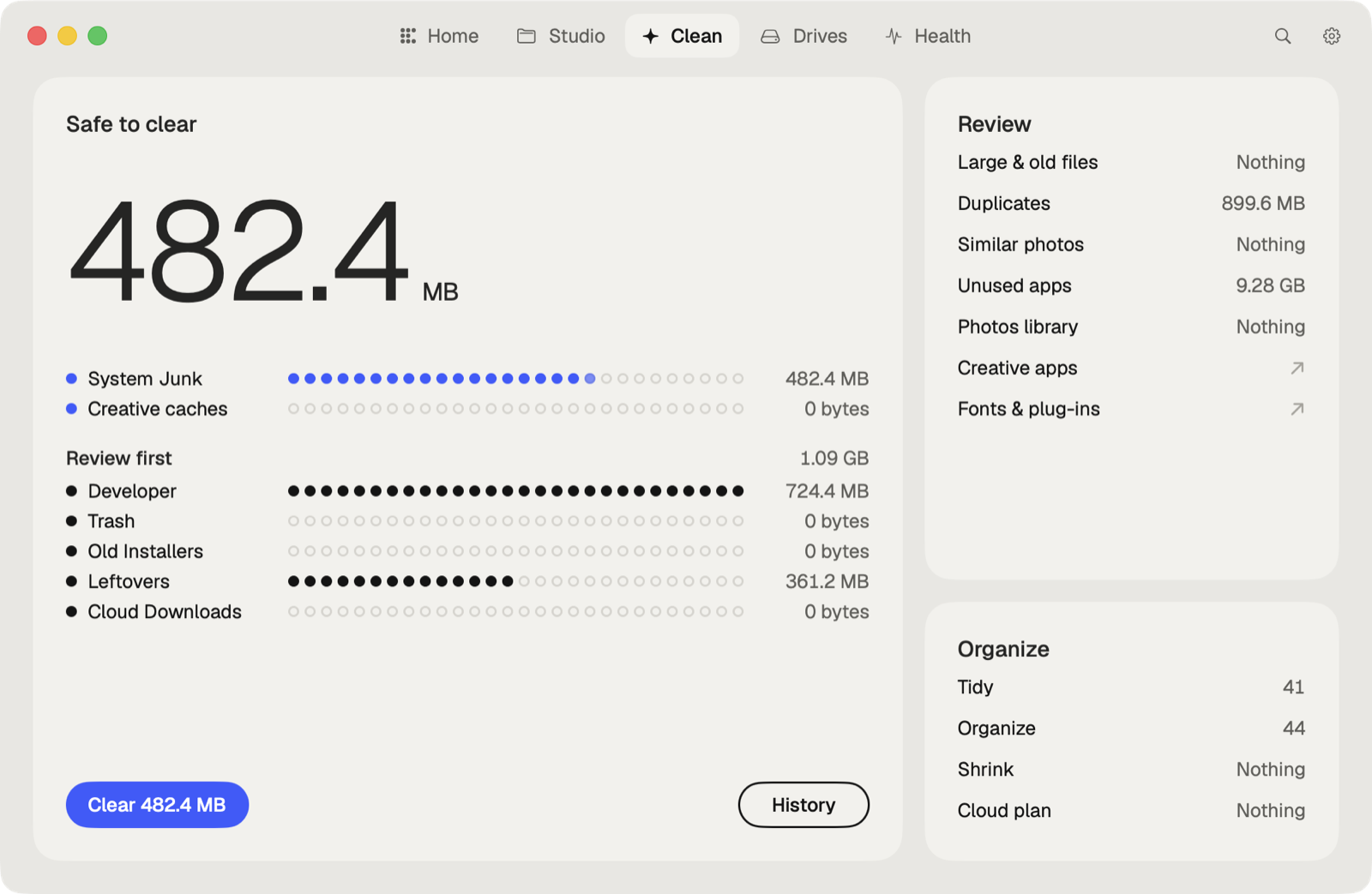
Caretaker's Uninstaller removes an app together with everything it left in the Library, for free. With Pro, Leftovers finds what already-removed apps left behind, and Old Installers finds installers in Downloads for apps you already have. Everything goes to the Trash first and can be restored for 90 days.
Questions
Does dragging an app to the Trash uninstall it?
It removes the app. Its settings, caches and support files stay in your Library until you remove them.
Is it safe to delete Application Support files?
Only for apps you've removed, and after checking. Some apps keep your presets or projects there.
More guides
- Why is System Data so big on my Mac, and how to reduce it
- How to find large files on a Mac
- How to find duplicate files on a Mac
- How to delete Time Machine local snapshots on a Mac
- How to remove downloaded iCloud Drive files from a Mac
- How to delete Xcode DerivedData and old simulators on a Mac
- How to free up Docker disk space on a Mac
- All guides