Spot likely copies with a Smart Folder
- In Finder, choose File > New Smart Folder.
- Click + and set a rule, such as Kind is Movie, or File Size is greater than 100 MB.
- Switch to list view and sort by Name or Size. Copies end up next to each other.
Check by content, not by name
Two files with the same name can be different, and a copy can have another name. To be sure, compare checksums in Terminal:
shasum -a 256 "file one.mov" "file two.mov"
If both lines show the same long string, the files are identical. If one character differs, they aren't.
Duplicate photos in Photos
- Open Photos and click Duplicates under Utilities in the sidebar. On macOS Ventura it's an album named Duplicates. It only appears when Photos finds some.
- Select the copies to merge, or press ⌘A for all.
- Click Merge Items and confirm.
Photos keeps one and moves the rest to Recently Deleted, where you can recover them for 30 days.
Don't delete duplicate photos from inside the Photos Library in Finder. It can damage the library.
Before you delete
- Keep the copy in the place your projects use. Deleting the other one can leave media offline in an editing app.
- A copy on a backup drive is not a duplicate to remove. It's your backup.
The faster way: Caretaker

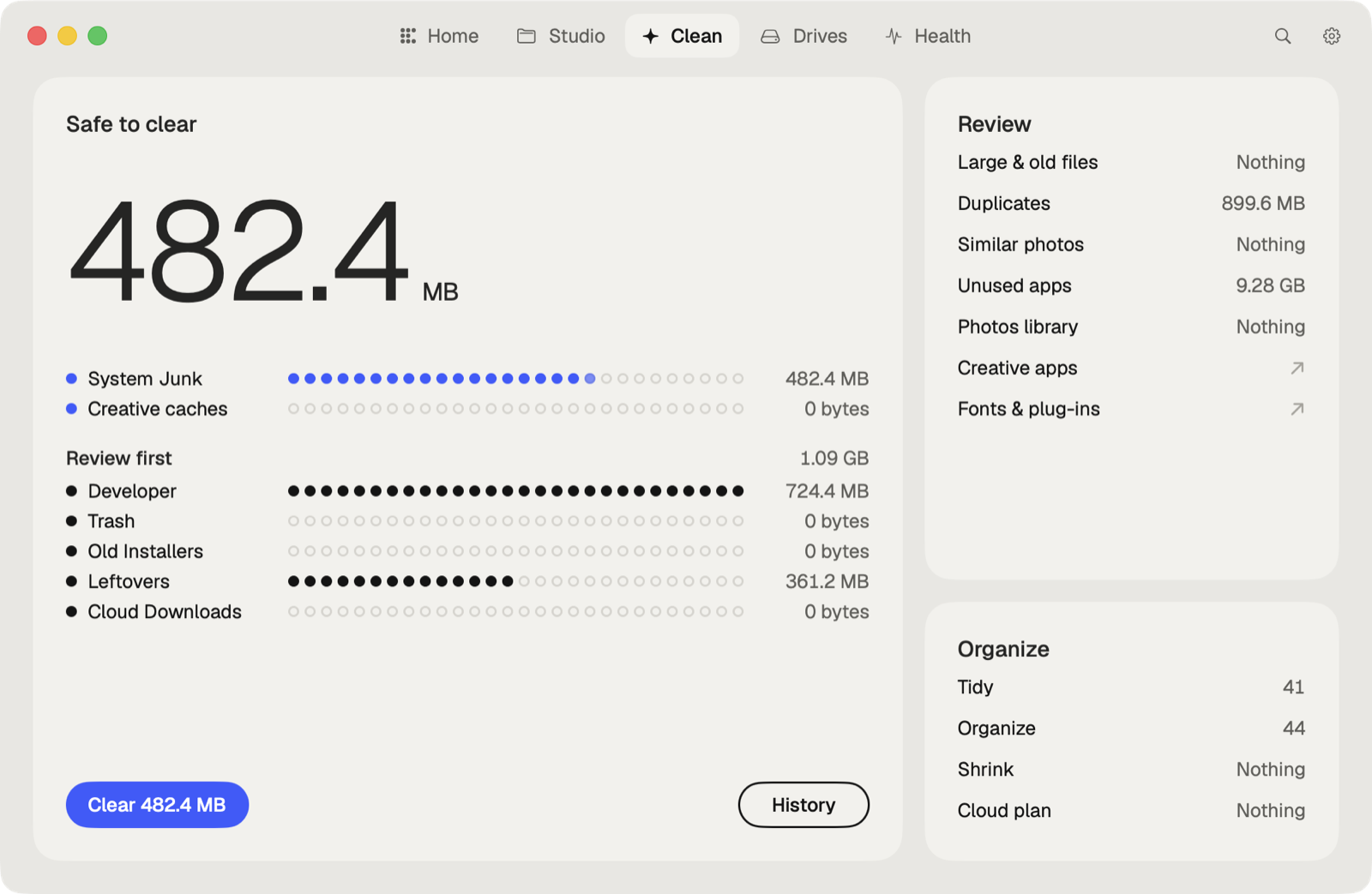
Caretaker finds identical files in more than one place by their content, and similar photos, for free. With Pro, Photo Library finds duplicates, similar shots, screenshots and blurry photos in Photos. Everything it cleans goes to the Trash first and can be restored for 90 days.
Questions
Does Mac have a built-in duplicate file finder?
Not for files. Photos finds duplicate photos and videos in your library, but Finder has no command for duplicate files.
Are files with the same name duplicates?
Not always. Compare their checksums. Only files with the same checksum are identical.
More guides
- Why is System Data so big on my Mac, and how to reduce it
- How to find large files on a Mac
- How to uninstall apps completely on a Mac
- How to delete Time Machine local snapshots on a Mac
- How to remove downloaded iCloud Drive files from a Mac
- How to delete Xcode DerivedData and old simulators on a Mac
- How to free up Docker disk space on a Mac
- All guides