Use Storage settings
- Open Apple menu > System Settings > General > Storage.
- Click the Info button next to Documents.
- Click the button for large files. Sort the list by size, kind or the date you last opened each file.
- Select a file you don't need and click Delete, or click Show in Finder to see where it is.
In the same window, File Browser shows how much space each folder takes.
Search by size in Finder
- In a Finder window, press ⌘F and choose This Mac.
- Click the first pop-up menu (it says Kind) and choose Other.
- Select File Size and click OK.
- Set it to is greater than a size, such as 1 GB.
Click Save to keep the search as a Smart Folder in the sidebar.
Find them in Terminal
find ~ -type f -size +1G 2>/dev/nulllists every file over 1 GB in your home folder.du -hd 1 ~ | sort -hshows the size of each folder in your home folder, biggest last. Run it again inside the largest folder to go deeper.
These commands only read. They don't delete anything.
What not to delete
- Packages like the Photos Library, Final Cut Pro libraries and Logic Pro projects look like single files. Don't delete files from inside them. Manage them in their own app.
- Anything in
/Systemor/Library, and files you can't identify. - Disk images of virtual machines. Deleting one deletes the whole virtual machine.
If you aren't sure, move a file to another drive instead of deleting it.
The faster way: Caretaker

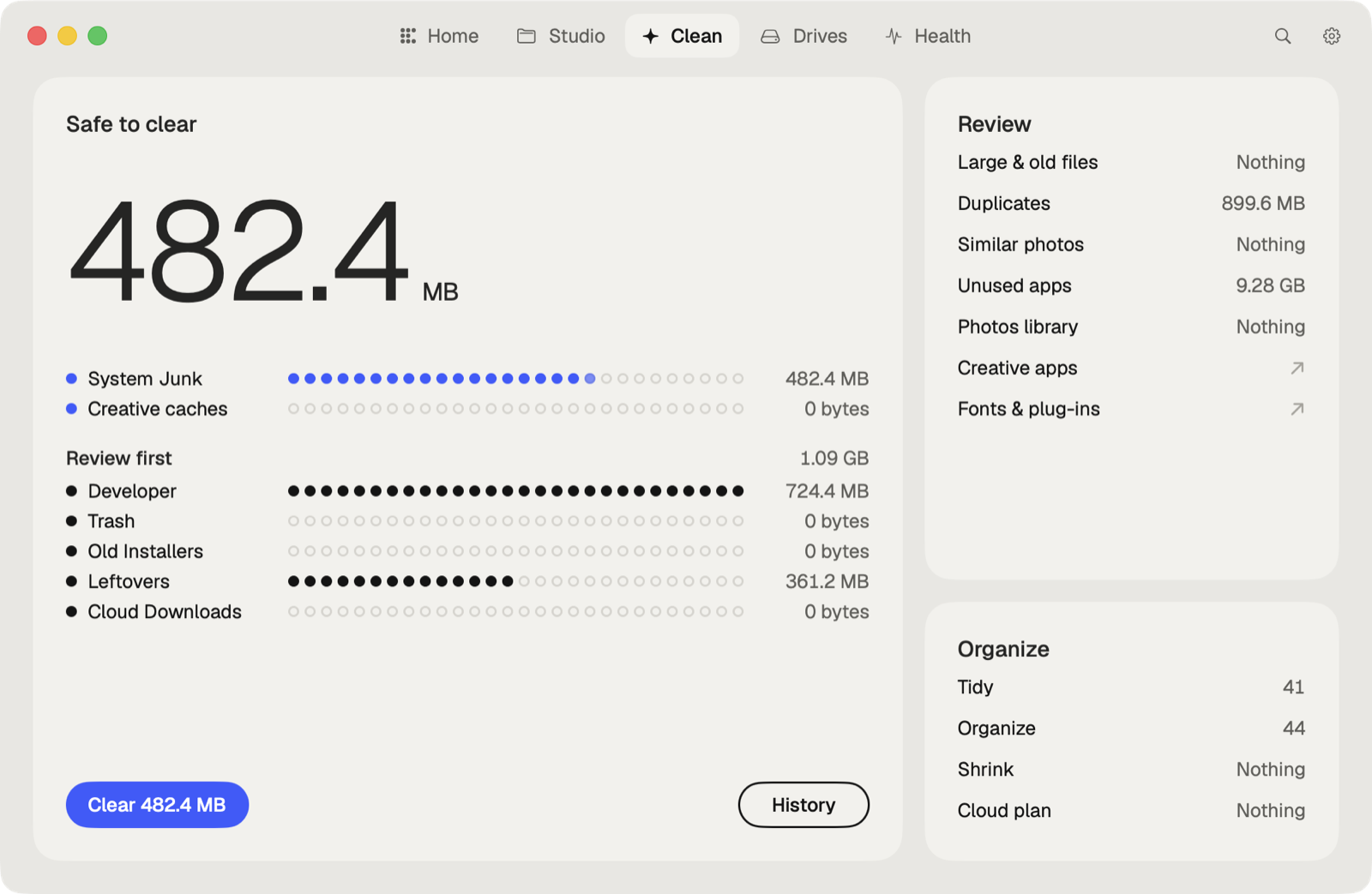
Caretaker's Large Files lists the biggest files on your Mac and the ones you haven't opened in a while. With Pro, you can move them to another drive. Disk Map shows where the space on each disk goes.
Questions
How do I see what's taking up space on my Mac?
Open System Settings > General > Storage. The bar shows each category, and the Info button next to Documents lists your large files.
Is it safe to delete large files on a Mac?
Yes, if they're your own files and you don't need them. Leave files inside packages and system folders alone.
More guides
- Why is System Data so big on my Mac, and how to reduce it
- How to find duplicate files on a Mac
- How to uninstall apps completely on a Mac
- How to delete Time Machine local snapshots on a Mac
- How to remove downloaded iCloud Drive files from a Mac
- How to delete Xcode DerivedData and old simulators on a Mac
- How to free up Docker disk space on a Mac
- All guides