See how much it takes
Open Apple menu > System Settings > General > Storage. System Data is the grey part of the bar. Apple describes it as files that don't belong to any more specific category.
What's in it
- Caches and logs from macOS and your apps.
- Local Time Machine snapshots, taken about every hour and kept for 24 hours.
- App files kept outside your folders, like the media cache of video apps.
- Updates downloaded and waiting to install.
Reduce it
- Restart. macOS clears some caches and logs on its own when space is needed.
- Clear the caches of the apps you use most, from inside each app. For video apps, see the guides below.
- Remove local snapshots. In Time Machine settings set backups to Manually, wait a few minutes, then turn automatic backups back on. In Terminal,
tmutil listlocalsnapshots /lists them. - Delete apps you don't use, together with the files they keep in the Library.
What not to delete
Don't delete folders in /System or /Library by hand. Apple doesn't list what in System Data is safe to remove, and deleting the wrong folder can stop apps or macOS from working.
The faster way: Caretaker

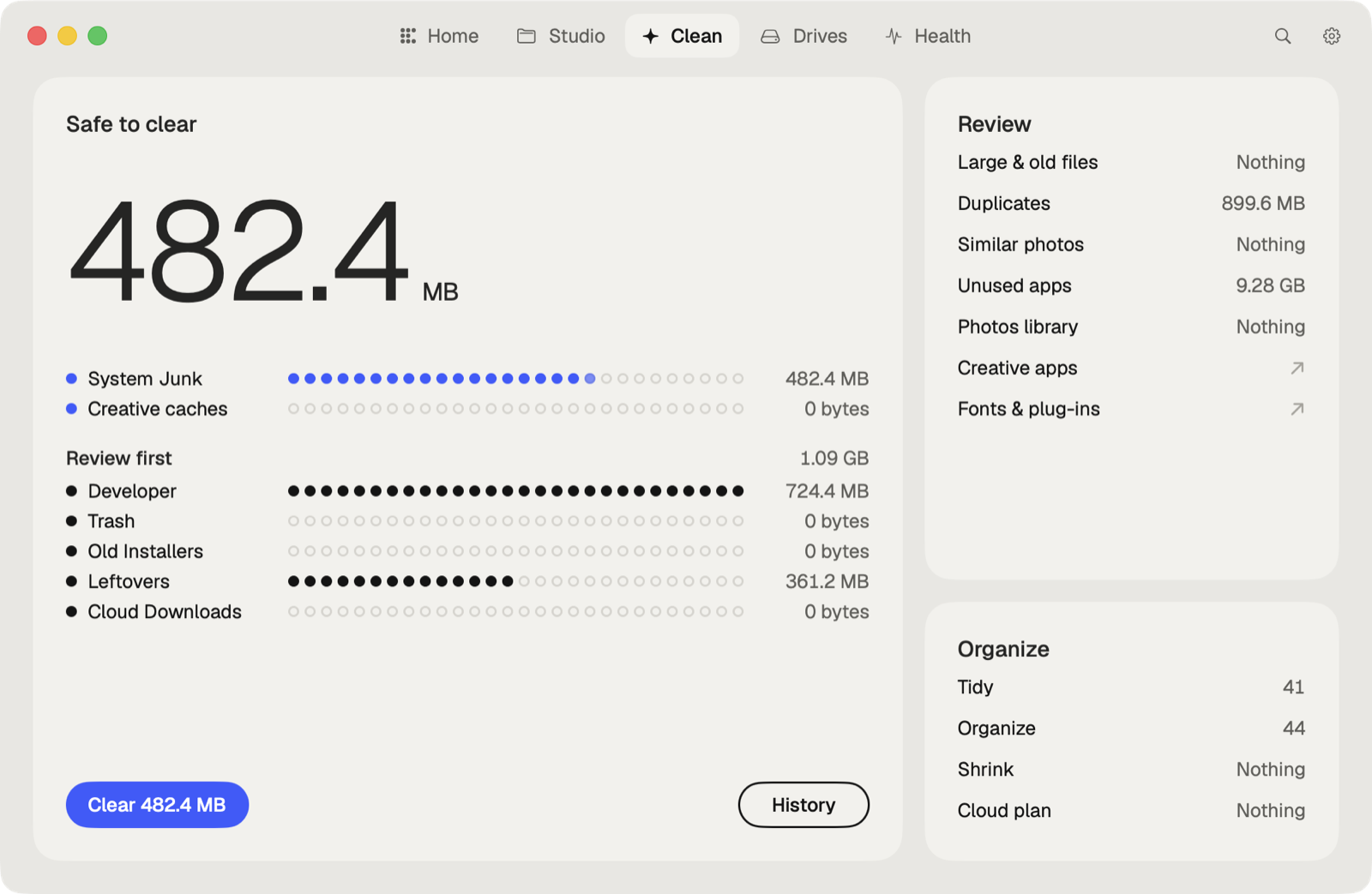
Caretaker's Disk Map shows where your space goes, then Caretaker clears what's safe: caches, logs, leftovers of removed apps and the caches of creative apps. Maintenance frees local snapshots. Caches and logs are deleted for good, since apps make them again; leftovers go to the Trash first and can be restored for 90 days.
Questions
Is System Data the same as Other?
Yes. Older versions of macOS called it Other.
Can I delete System Data?
Not as a whole. You can reduce it by clearing caches, logs, snapshots and leftovers of removed apps.
More guides
- How to find large files on a Mac
- How to find duplicate files on a Mac
- How to uninstall apps completely on a Mac
- How to delete Time Machine local snapshots on a Mac
- How to remove downloaded iCloud Drive files from a Mac
- How to delete Xcode DerivedData and old simulators on a Mac
- How to free up Docker disk space on a Mac
- All guides