Delete DerivedData
- Quit Xcode.
- Open Xcode > Settings > Locations and click the arrow next to the Derived Data path. By default it's
~/Library/Developer/Xcode/DerivedData. - Delete the folders inside, or only those of projects you no longer build.
For one project, Product > Clean Build Folder (⇧⌘K) clears its build files.
Delete old simulators and runtimes
xcrun simctl delete unavailabledeletes the simulators the current Xcode no longer supports.- To remove a simulator runtime, open Xcode > Settings > Components, click the info button next to it, then click Delete. Xcode shows how much space each one frees.
- In Terminal,
xcrun simctl runtime listlists runtimes.xcrun simctl runtime delete --notUsedSinceDays 90 --dry-runshows the ones not used in 90 days. Run it without--dry-runto delete them.
Deleting a simulator also deletes the apps and data installed in it. It doesn't go to the Trash.
Archives and device support
- Archives are in
~/Library/Developer/Xcode/Archives, and in Window > Organizer. Keep the archive of every build you've shipped. Apple says you need it to read crash reports from users. - Device support files are in
~/Library/Developer/Xcode/iOS DeviceSupport, one folder per OS version of a device you've connected. Folders for OS versions you no longer test on can go.
Is it safe?
DerivedData is safe to delete. Xcode builds it again, so the next build and indexing take longer. Simulators and runtimes can be downloaded again. Archives of shipped builds can't be made again.
The faster way: Caretaker

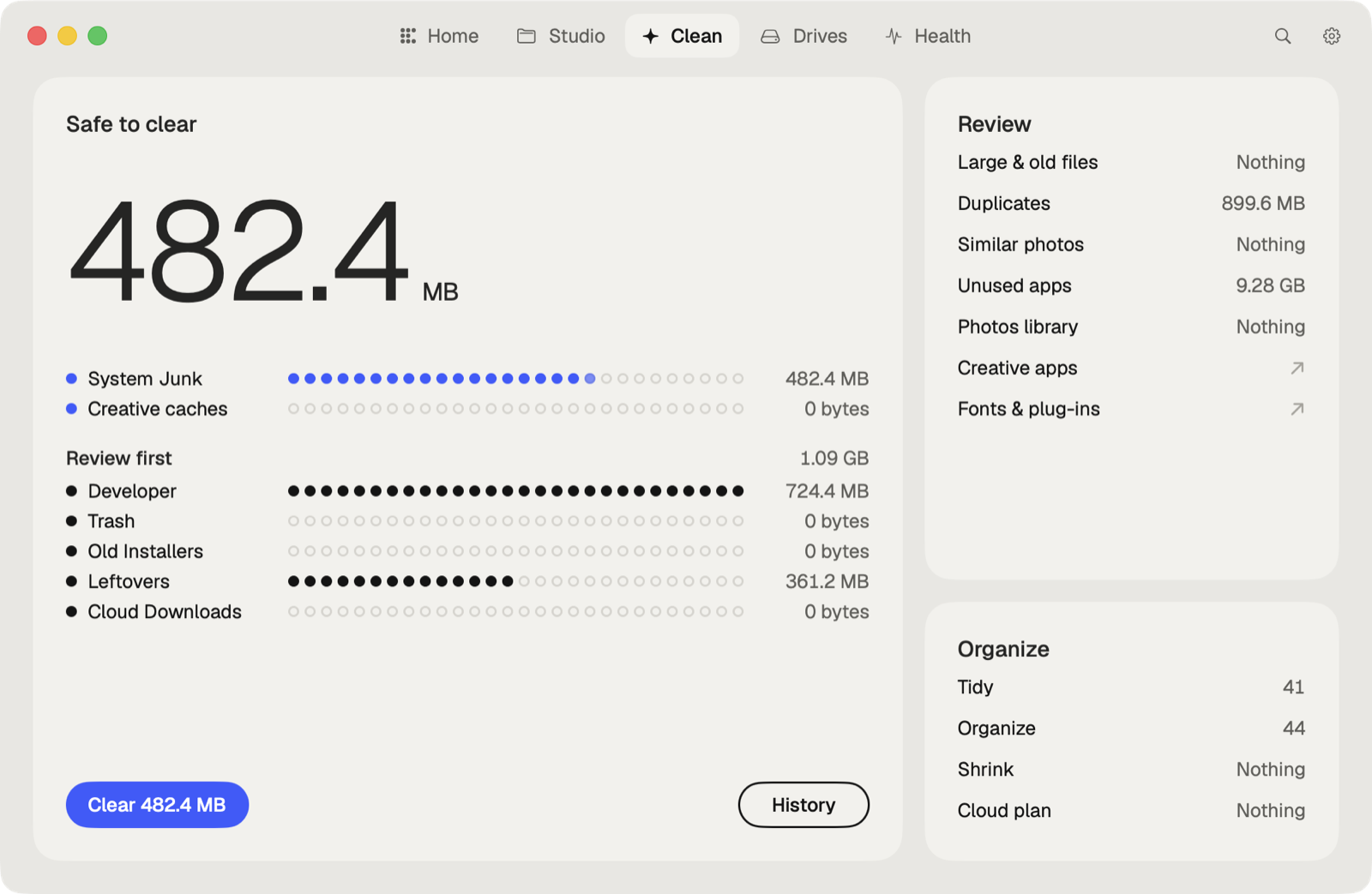
Caretaker's Developer view shows DerivedData, Xcode simulators and simulator runtimes, including simulators whose runtime is gone, next to npm, pip, Cargo and Gradle caches. The view is free, and Clean All is in Pro. Simulators are deleted with Xcode's own tools, so they don't go to the Trash.
Questions
Is it safe to delete DerivedData?
Yes. It only holds build files and indexes, and Xcode makes them again on the next build.
Why is Xcode taking so much space?
Simulator runtimes, simulators, DerivedData and device support files build up with every Xcode and OS version.
More guides
- Why is System Data so big on my Mac, and how to reduce it
- How to find large files on a Mac
- How to find duplicate files on a Mac
- How to uninstall apps completely on a Mac
- How to delete Time Machine local snapshots on a Mac
- How to remove downloaded iCloud Drive files from a Mac
- How to free up Docker disk space on a Mac
- All guides