Remove downloads from iCloud Drive
- In Finder, open iCloud Drive in the sidebar.
- Control-click a file or folder and choose Remove Download.
The file stays in iCloud and downloads again when you open it. To keep something on the Mac always, Control-click it and choose Keep Downloaded.
Let macOS do it with Optimize Mac Storage
In System Settings > [your name] > iCloud > Drive, turn on Optimize Mac Storage. When space is needed, older documents are kept only in iCloud.
Dropbox, Google Drive and OneDrive
- Dropbox: right-click a file or folder in your Dropbox folder and choose Make online-only.
- OneDrive: right-click and choose Free Up Space. Files marked Always Keep on This Device stay downloaded.
- Google Drive: if you mirror My Drive, every file is stored on your Mac. Streaming keeps files in the cloud until you open them, except items you made available offline.
Remove Download vs Delete
- Remove Download, Make online-only and Free Up Space only remove the copy on the Mac.
- Move to Trash deletes the file from the cloud and from every device.
- Keep projects you're working on downloaded. An online-only file needs the internet, and the time to download, before it opens.
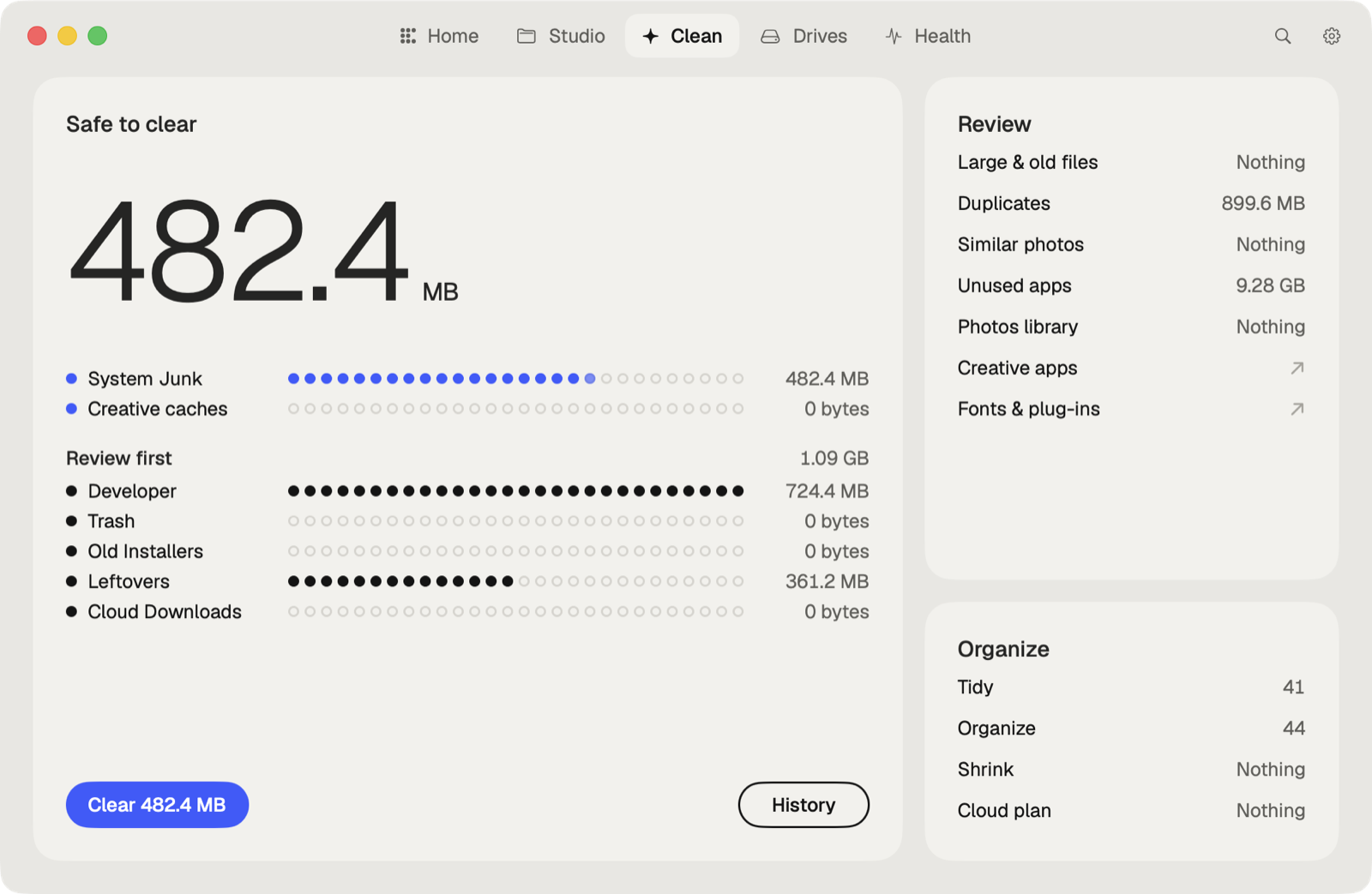
The faster way: Caretaker

Caretaker's Cloud copies shows the downloaded copies of cloud files kept on this Mac, for free, so you can see what can go back to the cloud.
Questions
Does Remove Download delete the file from iCloud?
No. It deletes only the copy on your Mac. The file stays in iCloud Drive.
Why is iCloud Drive taking up space on my Mac?
Files you open or add stay downloaded. Remove their downloads, or turn on Optimize Mac Storage.
More guides
- Why is System Data so big on my Mac, and how to reduce it
- How to find large files on a Mac
- How to find duplicate files on a Mac
- How to uninstall apps completely on a Mac
- How to delete Time Machine local snapshots on a Mac
- How to delete Xcode DerivedData and old simulators on a Mac
- How to free up Docker disk space on a Mac
- All guides