See what takes space
Run docker system df for the totals of images, containers, local volumes and build cache, and how much is reclaimable. Add -v for each item.
Prune what isn't used
docker system pruneremoves stopped containers, networks no container uses, dangling images and unused build cache.docker system prune -aalso removes every image no container uses, not just dangling ones. You'll pull or build them again.docker system prune --volumesalso removes anonymous volumes no container uses.docker builder pruneremoves only build cache: dangling cache by default, all unused cache with-a.
Docker asks before it deletes. Space can take a few minutes to show as free on the Mac.
Careful with volumes
Volumes hold data: databases, uploads, anything a container saves. docker volume prune removes unused anonymous volumes. docker volume prune -a also removes named ones, which is where most data lives. Run docker volume ls first, and back up what you need. Nothing pruned goes to the Trash.
Docker Desktop's disk limit
In Docker Desktop > Settings > Resources > Advanced, Disk usage limit sets the most space Docker may use, and Disk image location shows where the disk image is. Lowering the limit deletes the current disk image, with every container and image in it.
The faster way: Caretaker

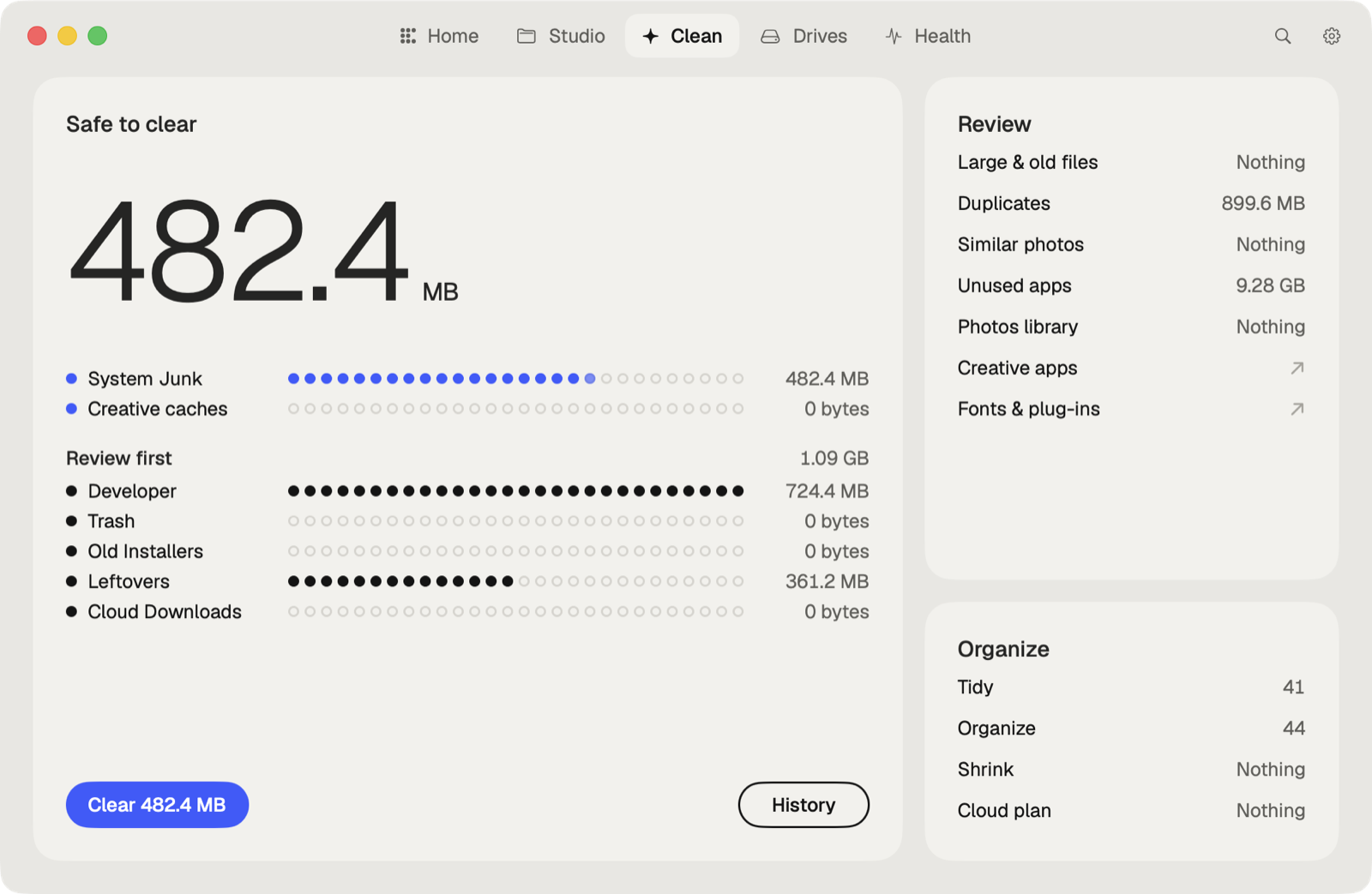
Caretaker's Developer view shows Docker images, containers, volumes and build cache, with npm, pip, Cargo, Gradle and Homebrew caches. The view is free, and Clean All is in Pro. Docker pruning doesn't go to the Trash, so check volumes before you clean.
Questions
Does docker system prune delete volumes?
Not by default. With --volumes it removes anonymous volumes no container uses.
Why doesn't Docker free space after I delete files in a container?
Space is only freed when images, containers or volumes are removed, for example with docker system prune.
More guides
- Why is System Data so big on my Mac, and how to reduce it
- How to find large files on a Mac
- How to find duplicate files on a Mac
- How to uninstall apps completely on a Mac
- How to delete Time Machine local snapshots on a Mac
- How to remove downloaded iCloud Drive files from a Mac
- How to delete Xcode DerivedData and old simulators on a Mac
- All guides