Clean it up in Live
- Open Live > Settings and go to the File & Folder tab.
- In the Decoding Cache section, click Cleanup. It deletes every cached file the open Live Set doesn't use.
To keep it small, turn on Maximum Cache Size and set a limit. Minimum Free Space sets how much space Live always leaves on the disk.
Where the cache lives
By default in ~/Library/Caches/Ableton/Cache, with decoded files in the Decoding folder. The Cache Folder setting on the same tab shows it. Ableton recommends keeping the default location.

Is it safe?
Yes. The cache only holds decoded copies of compressed samples. Live decodes the original again when a Set needs it. Your Sets, recordings and samples aren't in it.
Packs take more space
Installed Packs are often much bigger than the cache. They live in the Installation Folder for Packs, shown in Live > Settings > Library. Don't delete Packs your Sets use.
The faster way: Caretaker

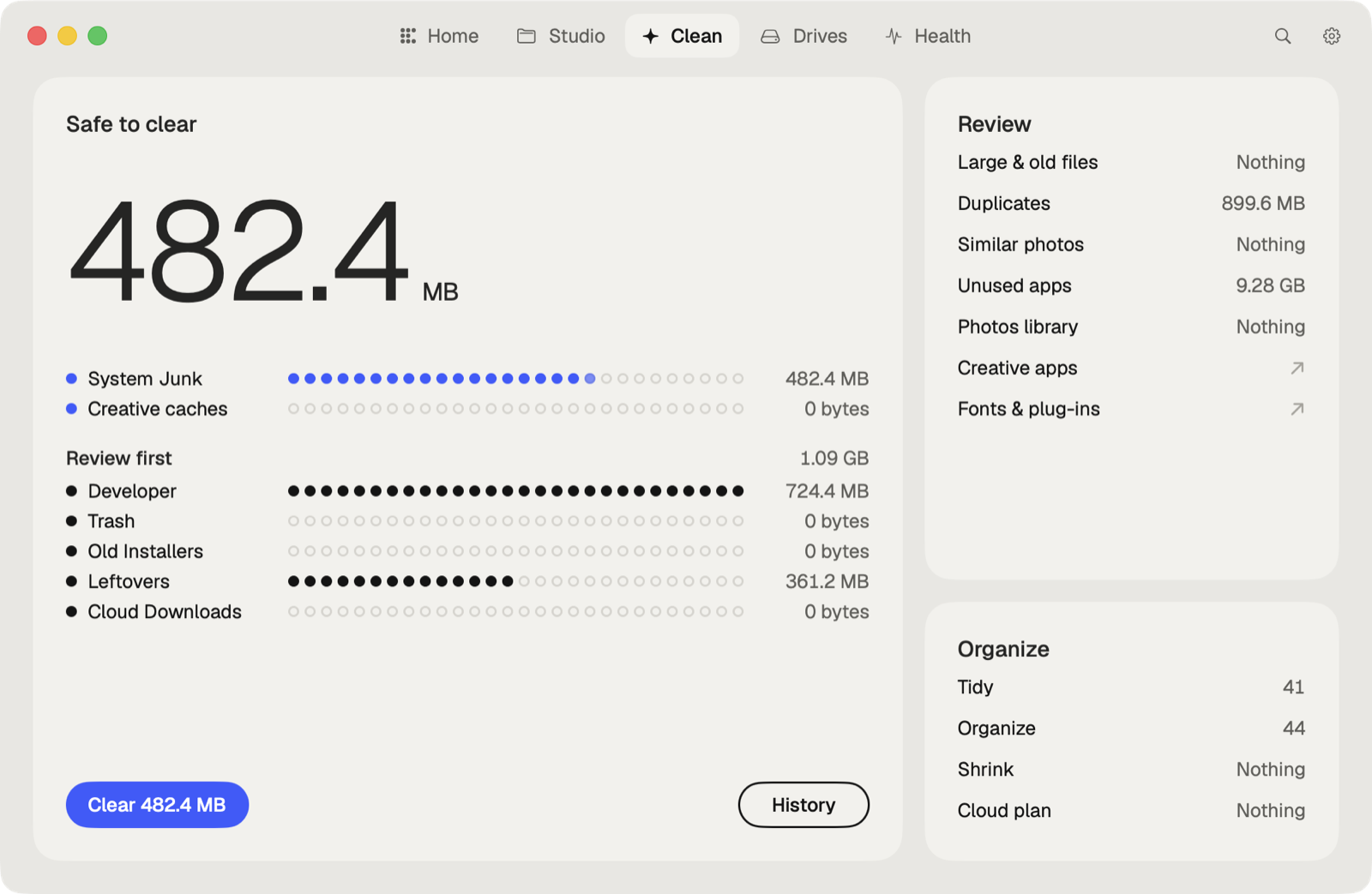
Caretaker clears Ableton Live's cache in ~/Library/Caches. With Pro, Creative Cleanup also finds Ableton's sound libraries, including ones left after Live was removed. It also lists the plug-ins a Live Set uses and which aren't on this Mac.
Questions
Can I delete the Ableton cache folder?
Yes, with Live closed. Live decodes compressed files again when it needs them.
Why is my Ableton cache so big?
Every compressed sample you use is stored decoded as an uncompressed WAV, which is several times larger. Set a Maximum Cache Size to cap it.
More guides
- How to clear the Premiere Pro media cache on a Mac
- How to empty the After Effects disk cache on a Mac
- How to delete the DaVinci Resolve render cache on a Mac
- How to delete Final Cut Pro render files
- How to clear the Lightroom Classic cache on a Mac
- How to fix "scratch disks are full" in Photoshop on a Mac
- How to delete old Adobe app versions on a Mac
- How to clear Blender cache and temp files on a Mac
- How to free up space from the Logic Pro sound library on a Mac
- How to clear the Capture One cache on a Mac
- All guides