Delete it in Resolve
- Open the project.
- Choose Playback > Delete Render Cache.
- Pick All, Unused (cache that no longer matches the timeline) or Selected Clips.
To clear cache across projects, use Playback > Manage Render Cache. It has no undo.
Where the cache lives
Check File > Project Settings > Master Settings > Working Folders > Cache files location. By default it's a CacheClip folder on the first scratch disk in Preferences > Media Storage.

Optimized media
Optimized media is saved in the same folder. Blackmagic's manual says to delete it from the Finder.
Is it safe?
Yes, the render cache and optimized media are made again when you need them. Never delete your original media.
The faster way: Caretaker

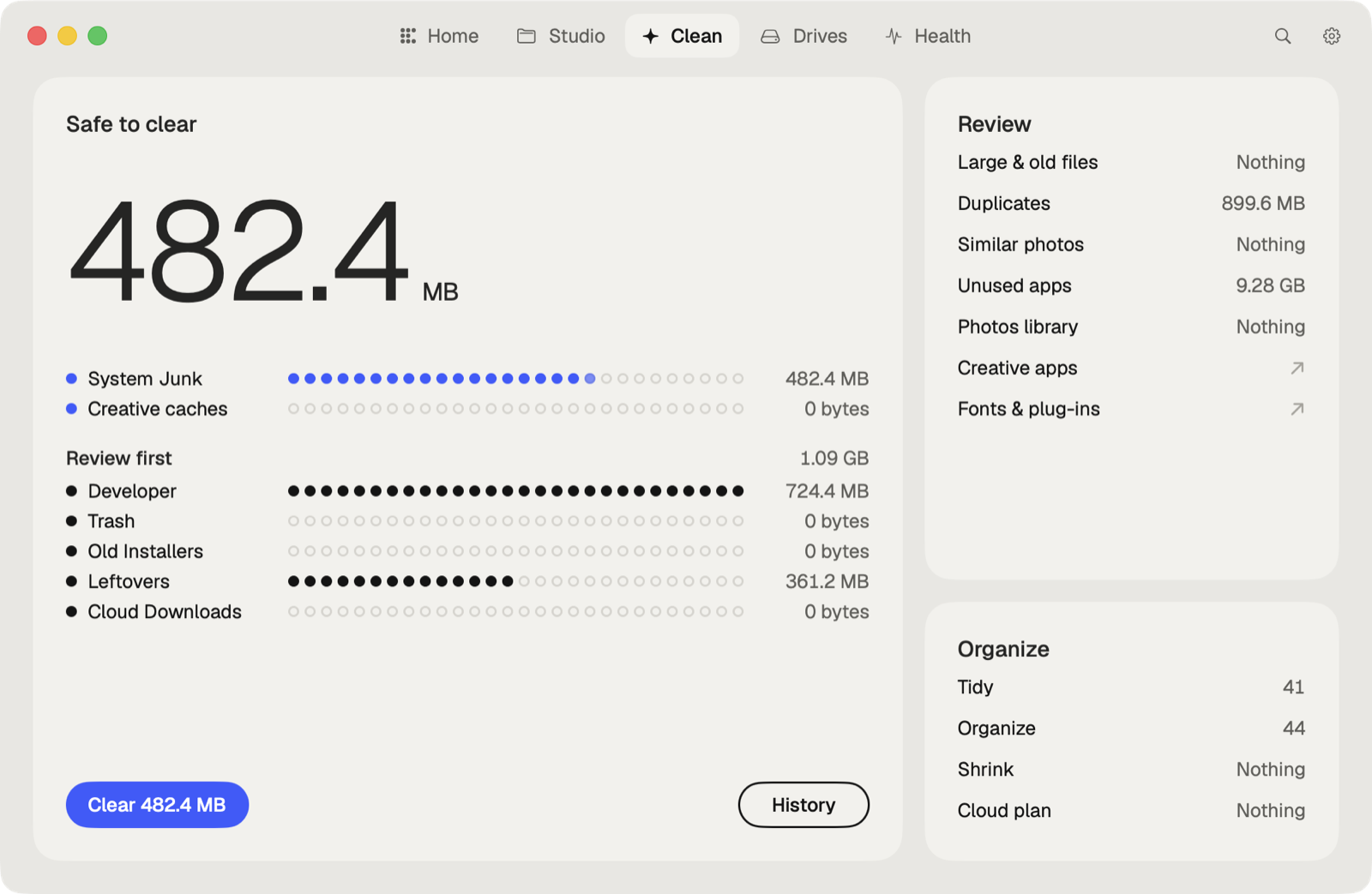
Caretaker finds CacheClip folders next to your projects and Resolve's caches in the Library, shows each project's size, and clears them in one click. Projects you haven't touched in 30 days come pre-selected. Caches are deleted for good, since Resolve makes them again.
Questions
Will deleting the render cache affect my grade?
No. The grade is in the project. The cache is only the rendered result, and Resolve renders it again.
Where is CacheClip on a Mac?
In the cache files location set in Project Settings, by default on your first scratch disk.
More guides
- How to clear the Premiere Pro media cache on a Mac
- How to empty the After Effects disk cache on a Mac
- How to delete Final Cut Pro render files
- How to clear the Lightroom Classic cache on a Mac
- How to fix "scratch disks are full" in Photoshop on a Mac
- How to delete old Adobe app versions on a Mac
- How to clear Blender cache and temp files on a Mac
- How to clear the Ableton Live cache on a Mac
- How to free up space from the Logic Pro sound library on a Mac
- How to clear the Capture One cache on a Mac
- All guides