Free up space first
Delete or move large files off the disk set as scratch disk, then empty the Trash and restart Photoshop. Adobe's troubleshooting page suggests freeing at least 100 GB on the main scratch disk. Check what's left in Apple menu > System Settings > General > Storage.
Add or change the scratch disk
- Open Photoshop > Settings > Scratch Disks.
- Tick a second, faster drive with free space, and drag it to the top of the list.
- Click OK and restart Photoshop.
If Photoshop won't open, hold ⌘ Command and ⌥ Option while it starts to get the Scratch Disk settings. The drive must be APFS or Mac OS Extended (Journaled). Adobe advises against thumb drives and USB 2 drives.
Use less scratch space
- Edit > Purge > All releases memory and scratch space. It can't be undone, and it clears your undo history.
- Lower History States in Settings > Performance. The default is 50.
- Close documents you aren't using.
Where the scratch file is
Photoshop keeps one large temporary file on each scratch disk while it runs, and deletes it when it quits normally. If Photoshop crashed, the file can be left behind. Quit Photoshop before removing any leftover temp file, never while it's open.
If nothing helps
Reset Photoshop's settings: hold ⇧ Shift, ⌥ Option and ⌘ Command while it starts, and confirm deleting the settings file. Then set the scratch disk again.
The faster way: Caretaker

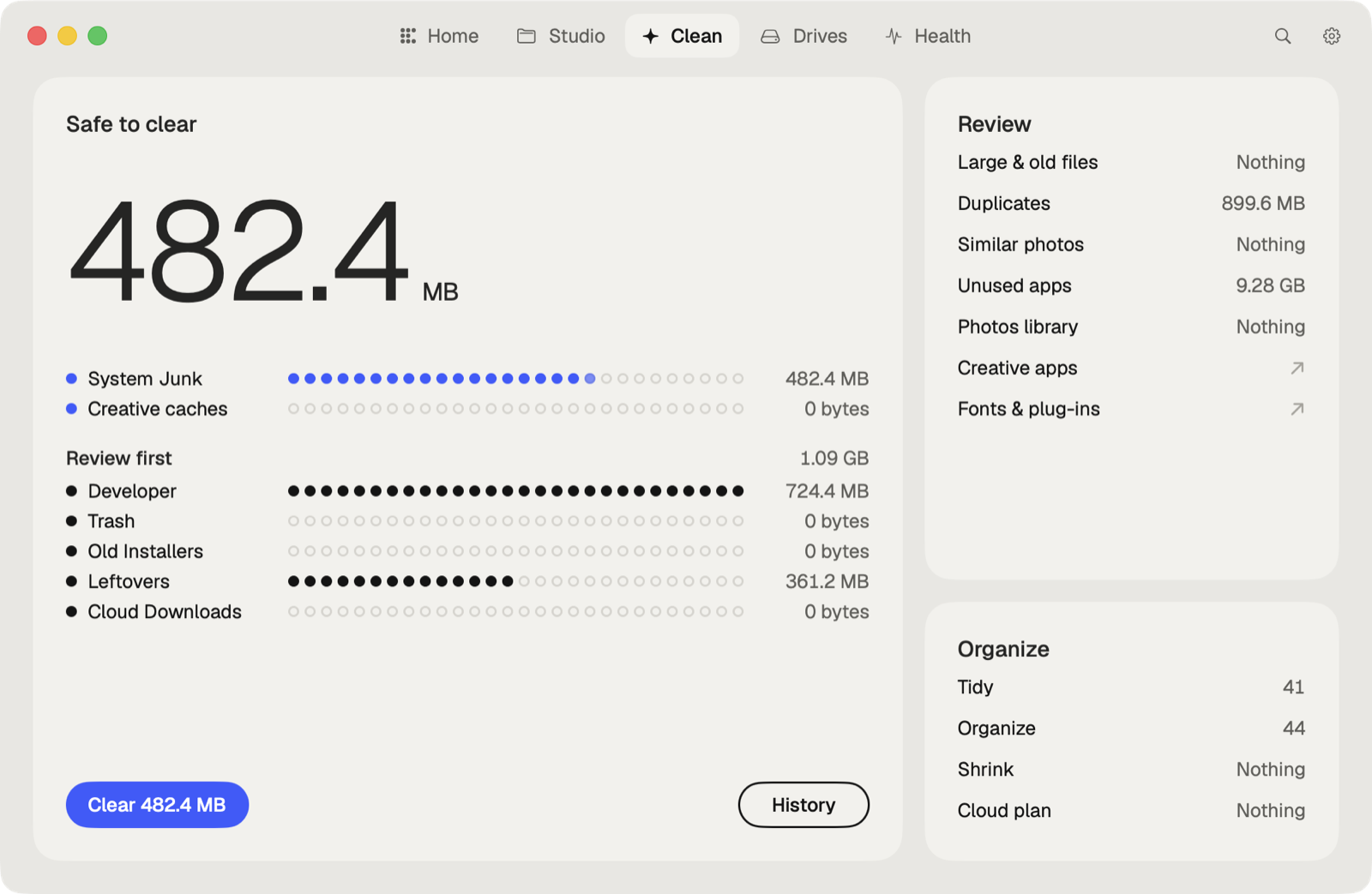
Caretaker doesn't clear Photoshop's scratch files. It frees the space they need: Disk Map shows where your space goes, Large files lists the biggest files, and Junk clears caches, including Photoshop's cache in ~/Library/Caches/Adobe/Photoshop. Caches are deleted for good, since apps make them again; large files go to the Trash first.
Questions
What does "scratch disks are full" mean?
Photoshop ran out of room on the drive it uses for temporary data. Free space on that drive or add another scratch disk.
Can I set an external drive as a Photoshop scratch disk?
Yes, in Photoshop > Settings > Scratch Disks. A fast SSD formatted as APFS or Mac OS Extended works best.
More guides
- How to clear the Premiere Pro media cache on a Mac
- How to empty the After Effects disk cache on a Mac
- How to delete the DaVinci Resolve render cache on a Mac
- How to delete Final Cut Pro render files
- How to clear the Lightroom Classic cache on a Mac
- How to delete old Adobe app versions on a Mac
- How to clear Blender cache and temp files on a Mac
- How to clear the Ableton Live cache on a Mac
- How to free up space from the Logic Pro sound library on a Mac
- How to clear the Capture One cache on a Mac
- All guides