Purge the Camera Raw cache
- Open Lightroom Classic > Settings (Preferences in older versions).
- Go to the Performance tab. In older versions it's under File Handling.
- Under Camera Raw Cache Settings, click Purge Cache.
The same section sets the Maximum Size and, with Choose, the folder. Adobe says the cache is only used by the Develop module.
Discard previews
- 1:1 previews: select photos, then Library > Previews > Discard 1:1 Previews.
- Automatically: in Catalog Settings > File Handling, set Automatically Discard 1:1 Previews to 1 Day, 1 Week or 30 Days.
- Smart Previews: select photos, then Library > Previews > Discard Smart Previews.
Where the files live
Previews sit next to the catalog (.lrcat), by default in ~/Pictures/Lightroom:
- [Catalog name] Previews.lrdata: standard and 1:1 previews.
- [Catalog name] Smart Previews.lrdata: small editable copies of your photos.
The Camera Raw cache is in the folder shown in its settings.

What's safe
The Camera Raw cache and Previews.lrdata are both rebuilt when needed. With Lightroom Classic closed, you can delete the whole Previews.lrdata, never single files inside it. Browsing is slower until previews are rebuilt.
Think before discarding Smart Previews. They let you edit photos whose drive isn't connected. Your edits are in the catalog, but without the original or a Smart Preview you can't keep editing that photo. Never delete the .lrcat file.
The faster way: Caretaker

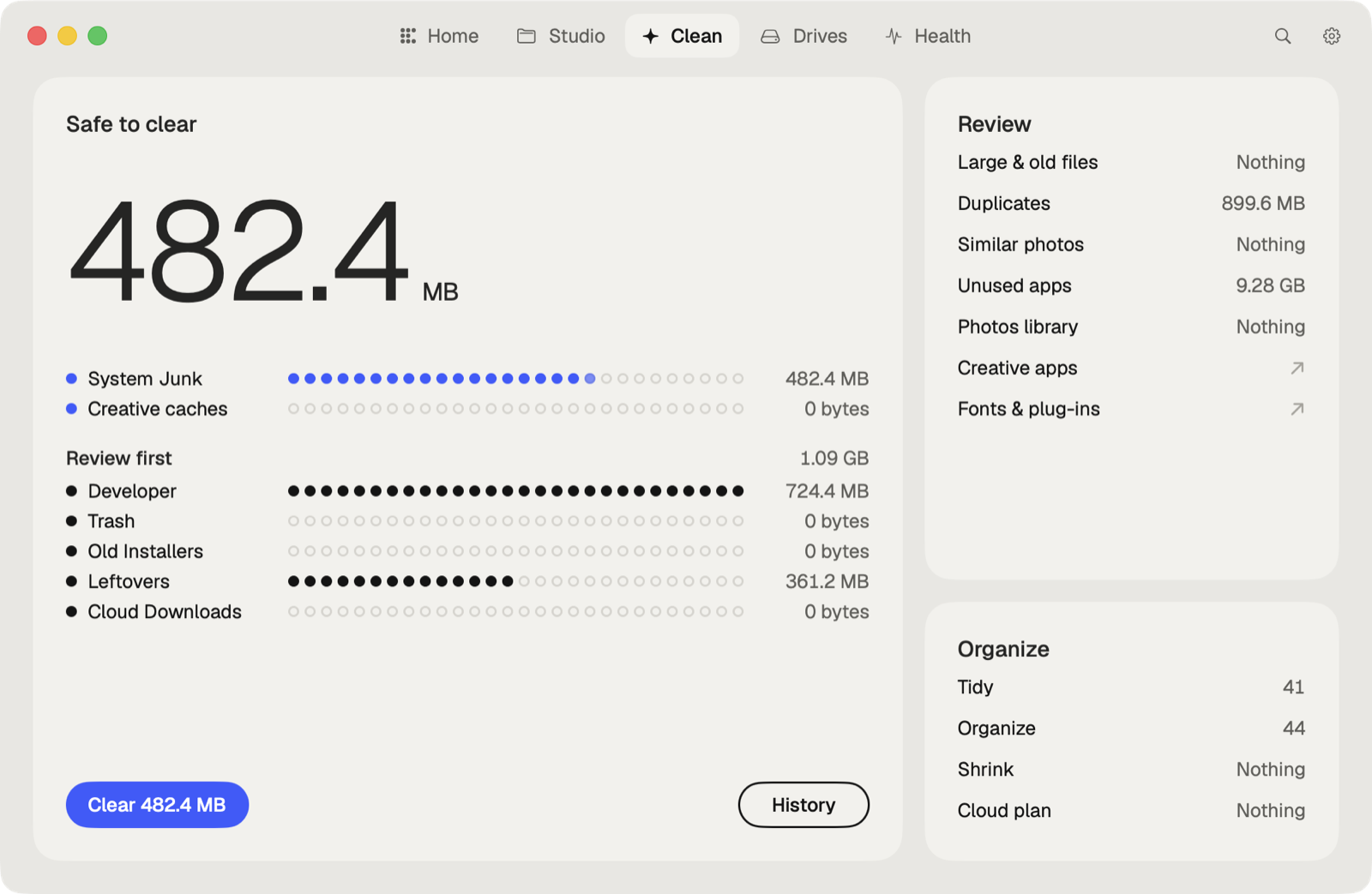
Caretaker finds Lightroom Classic's cache and each catalog's Previews.lrdata, shows their size, and clears them in one click. Smart Previews are listed but left unticked unless you choose them. They are deleted for good, since Lightroom makes them again.
Questions
Is it safe to delete Previews.lrdata?
Yes, with Lightroom Classic closed. It's rebuilt as you browse. Your photos and edits are not in it.
Does purging the Camera Raw cache delete my edits?
No. Edits are stored in the catalog. The cache only speeds up the Develop module.
More guides
- How to clear the Premiere Pro media cache on a Mac
- How to empty the After Effects disk cache on a Mac
- How to delete the DaVinci Resolve render cache on a Mac
- How to delete Final Cut Pro render files
- How to fix "scratch disks are full" in Photoshop on a Mac
- How to delete old Adobe app versions on a Mac
- How to clear Blender cache and temp files on a Mac
- How to clear the Ableton Live cache on a Mac
- How to free up space from the Logic Pro sound library on a Mac
- How to clear the Capture One cache on a Mac
- All guides