Uninstall an old version
- Save your work and quit the app.
- Open the Creative Cloud desktop app and go to Apps.
- Find the older version, click More actions (…) next to it and choose Uninstall.
- Choose Keep to keep its preferences and plug-ins, or Remove to delete them too.
Don't drag Adobe apps to the Trash. Adobe says to use the Creative Cloud app or the app's own uninstaller in its folder in Applications.
Stop old versions piling up
Turn on auto-update for the app in the Creative Cloud desktop app, open Advanced options and tick Remove older versions. Advanced options only appear when auto-update is on. Leave Import previous settings and preferences ticked to carry your settings over.
What's left behind
- Preferences and plug-ins, if you chose Keep.
- Caches the old version made, such as the After Effects disk cache, which is kept per version in
~/Library/Caches/Adobe. - Media cache in
~/Library/Application Support/Adobe/Common, shared by every version.
Before you remove one
Projects saved in a newer version usually won't open in an older one. Keep an older version if a client or a plug-in still needs it. Creative Cloud only offers some previous versions to reinstall.
The faster way: Caretaker

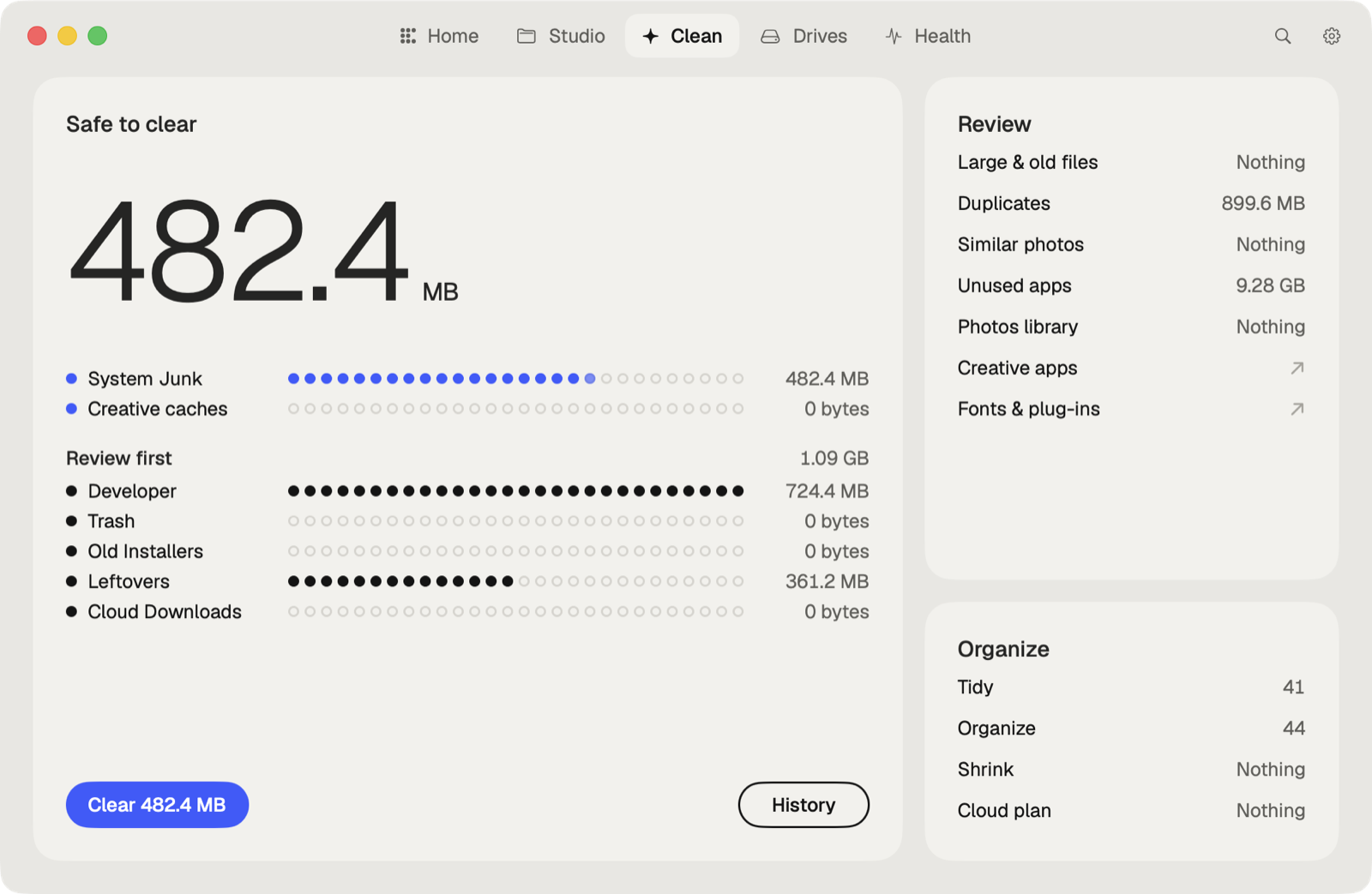
With Pro, Caretaker's Creative Cleanup finds Adobe app versions kept side by side after an update and offers all but the newest year of each. Its Junk cleaning also clears the caches old versions left behind. Old versions go to the Trash first and can be restored for 90 days; caches are deleted for good, since apps make them again.
Questions
Does Creative Cloud delete old versions automatically?
Only if Remove older versions is ticked in the app's Advanced options for auto-update.
Can I open a project from a newer version in an older one?
Usually not. Keep the old version until the projects that need it are finished.
More guides
- How to clear the Premiere Pro media cache on a Mac
- How to empty the After Effects disk cache on a Mac
- How to delete the DaVinci Resolve render cache on a Mac
- How to delete Final Cut Pro render files
- How to clear the Lightroom Classic cache on a Mac
- How to fix "scratch disks are full" in Photoshop on a Mac
- How to clear Blender cache and temp files on a Mac
- How to clear the Ableton Live cache on a Mac
- How to free up space from the Logic Pro sound library on a Mac
- How to clear the Capture One cache on a Mac
- All guides