Delete bakes in Blender
- Physics (cloth, particles, rigid bodies): in Physics Properties > Cache, click Delete Bake, or Delete All Bakes for every simulation in the scene.
- Geometry Nodes simulations: use Delete Cached Simulation in the simulation panel of Physics Properties.
Once deleted, the simulation has to be baked again, which can take a long time. Delete bakes of finished shots only.
Where the files live
- Disk cache: with Disk Cache on, physics bakes go to a folder named blendcache_[file name] next to the .blend file, as .bphys files.
- Geometry Nodes bakes: next to the .blend file by default. The folder can be changed per modifier.
- Temporary files: set in Edit > Preferences > File Paths > Temporary Files. Left blank, Blender uses the system's temporary folder. Auto saves and quit.blend go here.
- Local cache: the index of asset libraries, in
~/Library/Caches/Blender.

Backups: .blend1 and .blend2
Each save keeps older copies next to the file as .blend1, .blend2 and so on. The default in Preferences > Save & Load > Save Versions is 2. Set it to 0 to stop making them. Delete old .blend1 files only for projects you've finished, since they're your way back after a bad save.
What's safe
The local cache and temp files are recreated. Bakes are safe to delete but slow to remake. Never delete .blend files or the textures they use. Keep the temp folder if you may need File > Recover > Last Session or Auto Save.
The faster way: Caretaker

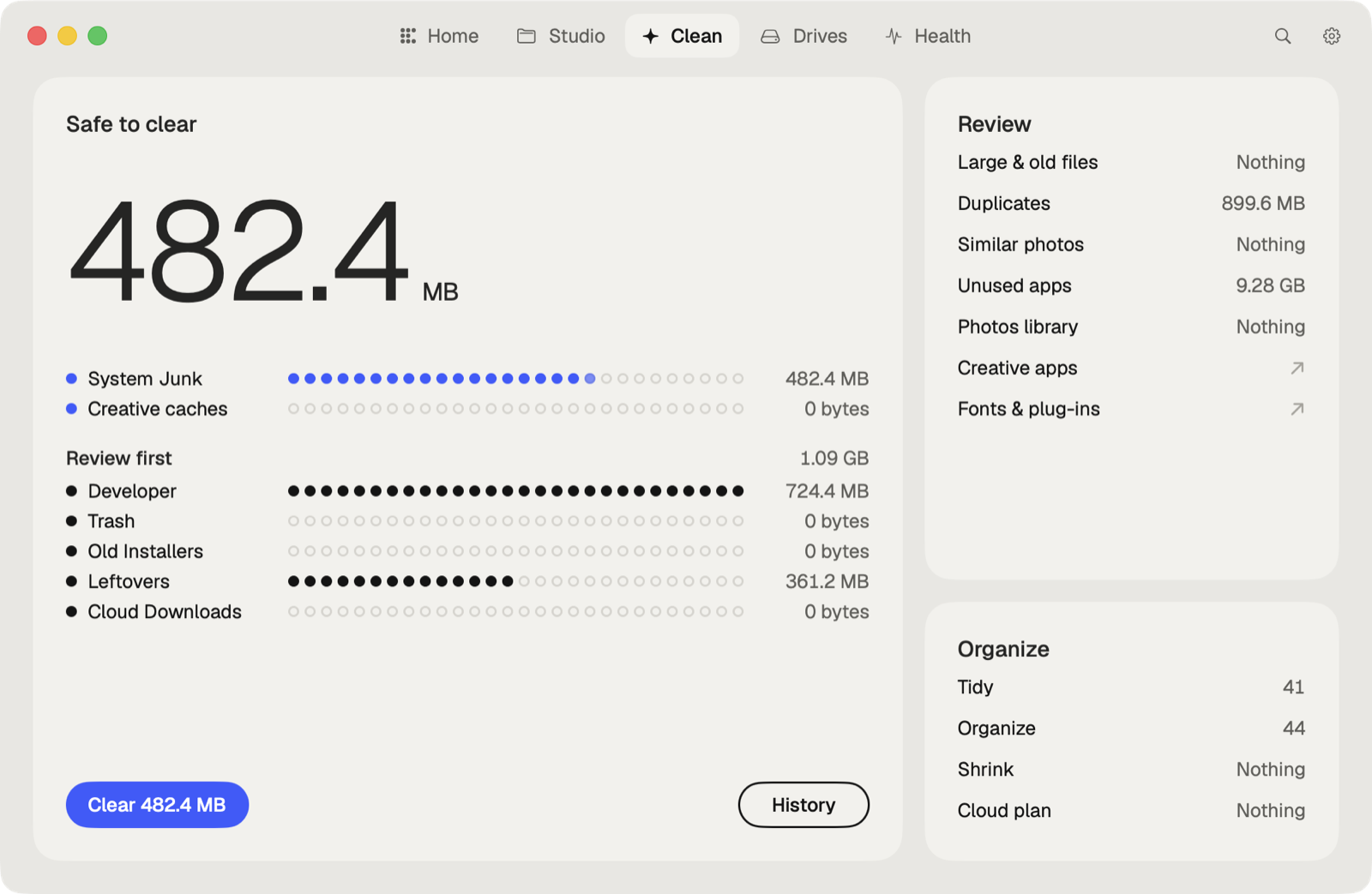
Caretaker clears Blender's caches in ~/Library/Caches. Caches are deleted for good, since Blender makes them again. Its Studio also shows when each project was last copied to another drive.
Questions
What is a .blend1 file?
A backup of the previous save, made by Save Versions. Rename it to .blend to open it.
Where does Blender store bakes?
Physics bakes with Disk Cache go to a blendcache_[file name] folder next to the .blend. Otherwise they're saved inside the .blend file.
More guides
- How to clear the Premiere Pro media cache on a Mac
- How to empty the After Effects disk cache on a Mac
- How to delete the DaVinci Resolve render cache on a Mac
- How to delete Final Cut Pro render files
- How to clear the Lightroom Classic cache on a Mac
- How to fix "scratch disks are full" in Photoshop on a Mac
- How to delete old Adobe app versions on a Mac
- How to clear the Ableton Live cache on a Mac
- How to free up space from the Logic Pro sound library on a Mac
- How to clear the Capture One cache on a Mac
- All guides