Delete sound packs
- In Logic Pro, choose Logic Pro > Sound Library.
- Click Manage Packs. The size of each pack, and the total, is shown in the list.
- Click Delete next to a pack, or next to All Installed Packs to remove them all.
You can download any pack again later from the same window.
Move it to an external drive
In Logic Pro 12, the whole library is one file, Logic Pro Library.bundle, in your Music folder:
- Quit Logic Pro and drag the bundle to the external drive.
- Open Logic Pro. If it asks, point it to the new place in Logic Pro > Settings > General > Sound Library with Locate.
- Once it works, delete the copy in your Music folder.
In Logic Pro 11.2.2 and earlier, choose Logic Pro > Sound Library > Relocate Sound Library, pick the drive and click Relocate. Use a drive formatted as APFS or Mac OS Extended (Journaled), not a Time Machine drive, and don't rename it afterwards.
What's safe
Sound packs can always be downloaded again. If Logic Pro opens without the drive, tracks that use missing sounds play basic tones until you reconnect it. Logic Pro 12 copies older libraries into the new bundle, but keep the old files if you still use an older Logic Pro or MainStage, which can't read the bundle.
GarageBand
GarageBand has its own sound library, in GarageBand > Sound Library. In System Settings > General > Storage, content from GarageBand, Logic Pro and MainStage is listed under Music Creation.
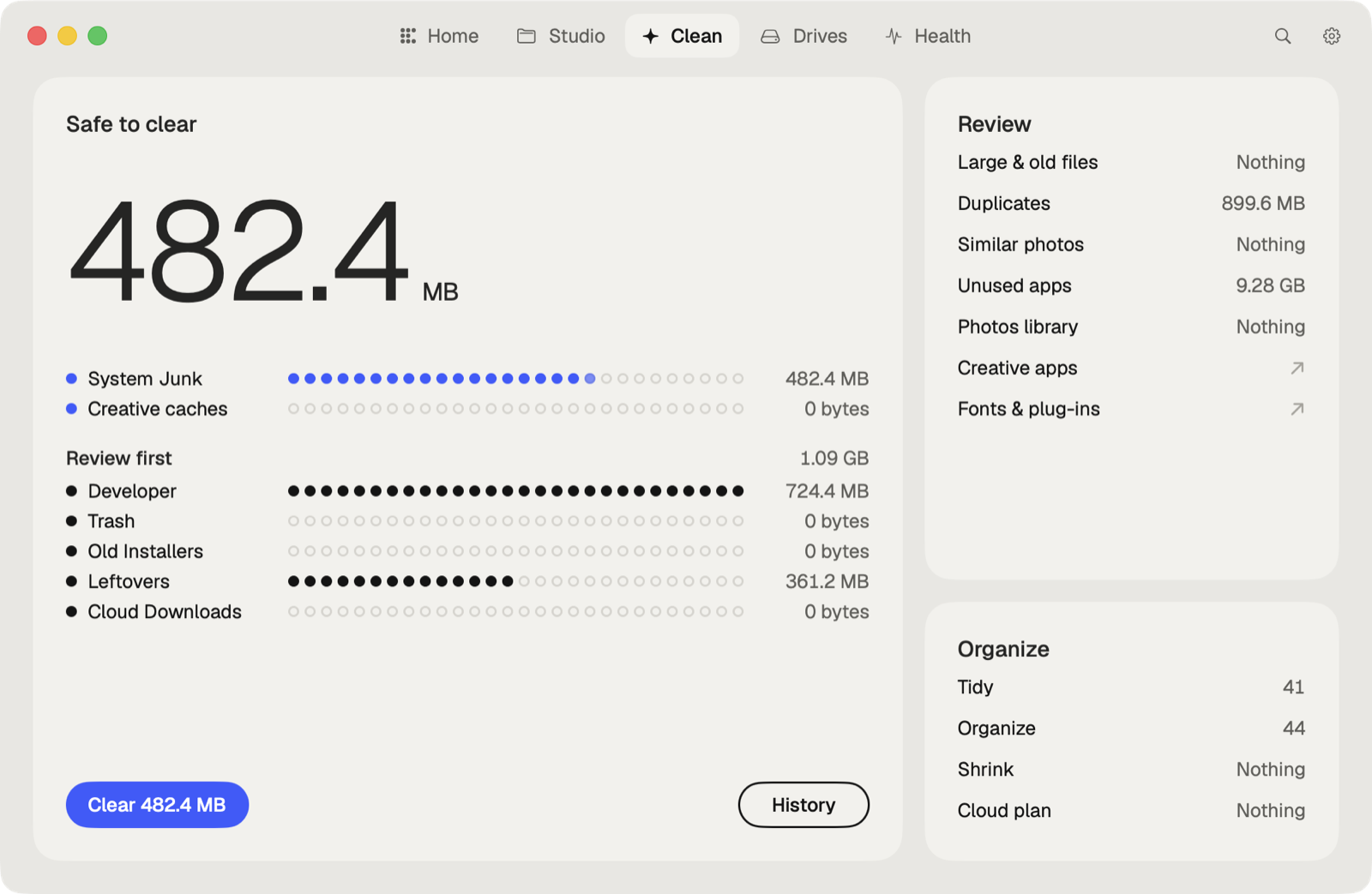
The faster way: Caretaker

With Pro, Caretaker's Creative Cleanup finds the sound libraries of Logic Pro and GarageBand, including ones left after the app was removed. Caretaker also clears Logic Pro's caches in ~/Library/Caches. Sound libraries go to the Trash first and can be restored for 90 days; caches are deleted for good, since Logic Pro makes them again.
Questions
Can I delete the Logic Pro sound library?
Yes. Projects that use missing sounds play basic tones, and you can download the packs again in Logic Pro > Sound Library.
Can Logic Pro's sound library be on an external drive?
Yes. In Logic Pro 12 move Logic Pro Library.bundle to the drive. Earlier versions use Relocate Sound Library.
More guides
- How to clear the Premiere Pro media cache on a Mac
- How to empty the After Effects disk cache on a Mac
- How to delete the DaVinci Resolve render cache on a Mac
- How to delete Final Cut Pro render files
- How to clear the Lightroom Classic cache on a Mac
- How to fix "scratch disks are full" in Photoshop on a Mac
- How to delete old Adobe app versions on a Mac
- How to clear Blender cache and temp files on a Mac
- How to clear the Ableton Live cache on a Mac
- How to clear the Capture One cache on a Mac
- All guides