Clear it in Premiere Pro
- Close your projects: File > Close All Projects.
- Open Premiere > Settings > Media Cache.
- Next to Remove Media Cache Files, click Delete.
- Choose Delete unused media cache files to remove the cache of media that's gone, or Delete all media cache files from the system to remove all of it.
You can also hold ⌘ while Premiere Pro starts and choose Clear media cache files.
Where the cache lives
By default, in ~/Library/Application Support/Adobe/Common:
- Media Cache Files: the cache itself, including waveforms (.pek) and conformed audio (.cfa).
- Media Cache: the database that points to it.
- Peak Files: audio waveforms.
To delete them by hand, quit Premiere Pro first, then empty the Trash. After Effects and Media Encoder share the same cache.

Is it safe?
Yes. Adobe says the files are recreated whenever the media needs them. The next time you open a big project, Premiere Pro takes a little longer while it rebuilds them. Never delete your footage or project files.
Clean it automatically
In Settings > Media Cache > Media Cache Management, choose Automatically delete cache files older than a number of days, or when cache exceeds a share of the disk. It's off by default, and takes effect after a restart.
Render previews are separate
Rendered previews live beside your project, in Adobe Premiere Pro Video Previews and Audio Previews. Premiere Pro renders them again when needed.
The faster way: Caretaker

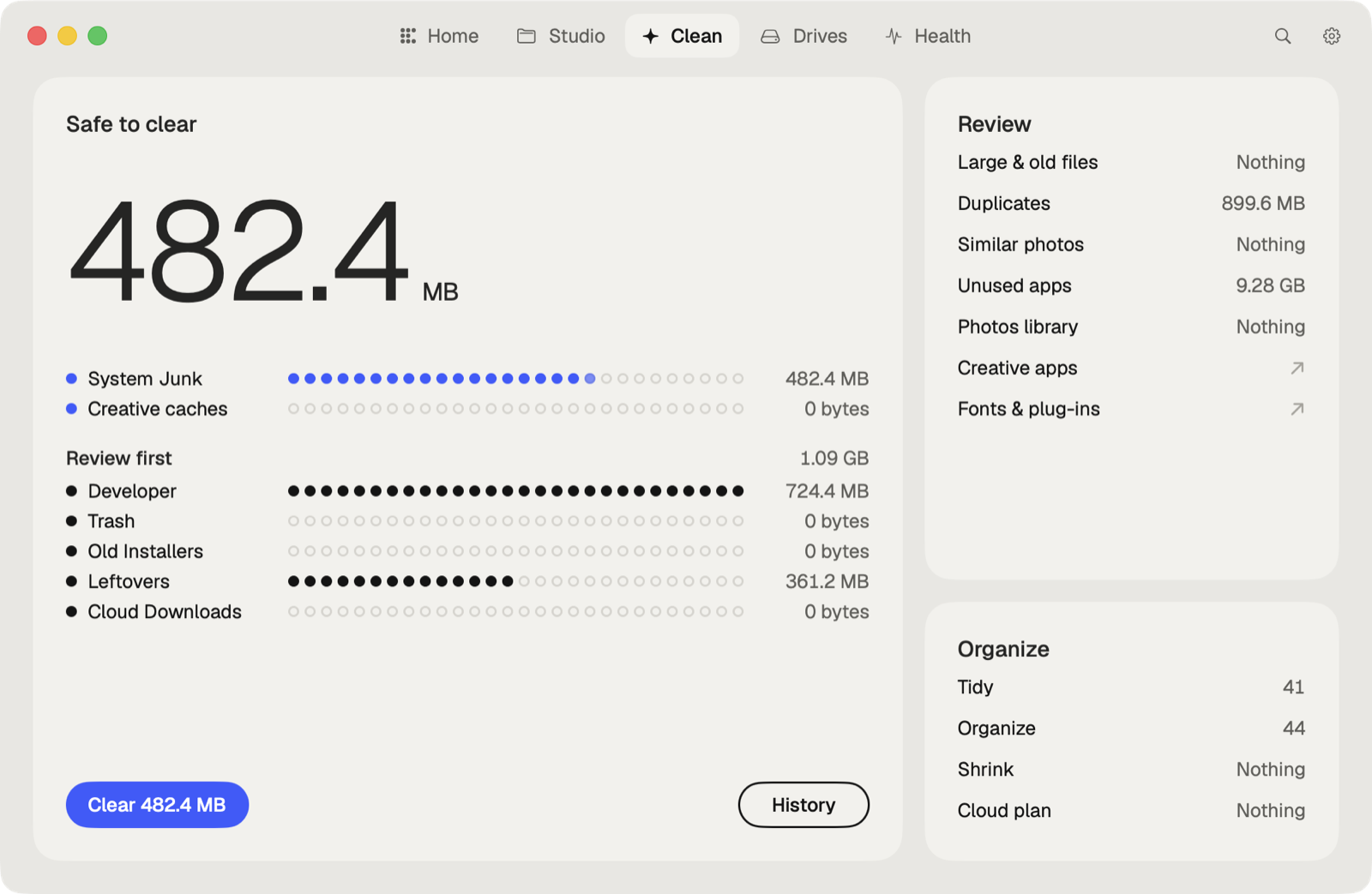
Caretaker finds Premiere Pro's media cache, waveforms and render previews, shows how much each takes, and clears them in one click. They are deleted for good, since Premiere Pro makes them again when it needs them.
Questions
Will clearing the media cache delete my footage?
No. It only removes files Premiere Pro made from your footage. Your clips and projects stay.
How big does the Premiere Pro media cache get?
It grows with every clip you import. On a Mac used for editing it often reaches tens of gigabytes.
More guides
- How to empty the After Effects disk cache on a Mac
- How to delete the DaVinci Resolve render cache on a Mac
- How to delete Final Cut Pro render files
- How to clear the Lightroom Classic cache on a Mac
- How to fix "scratch disks are full" in Photoshop on a Mac
- How to delete old Adobe app versions on a Mac
- How to clear Blender cache and temp files on a Mac
- How to clear the Ableton Live cache on a Mac
- How to free up space from the Logic Pro sound library on a Mac
- How to clear the Capture One cache on a Mac
- All guides